SPECIFICATIONS
Battery Included: Yes
Bluetooth Support: Yes
Brand Name: AJIUYU
Certification: CE,FCC
Choice: yes
High-concerned chemical: none
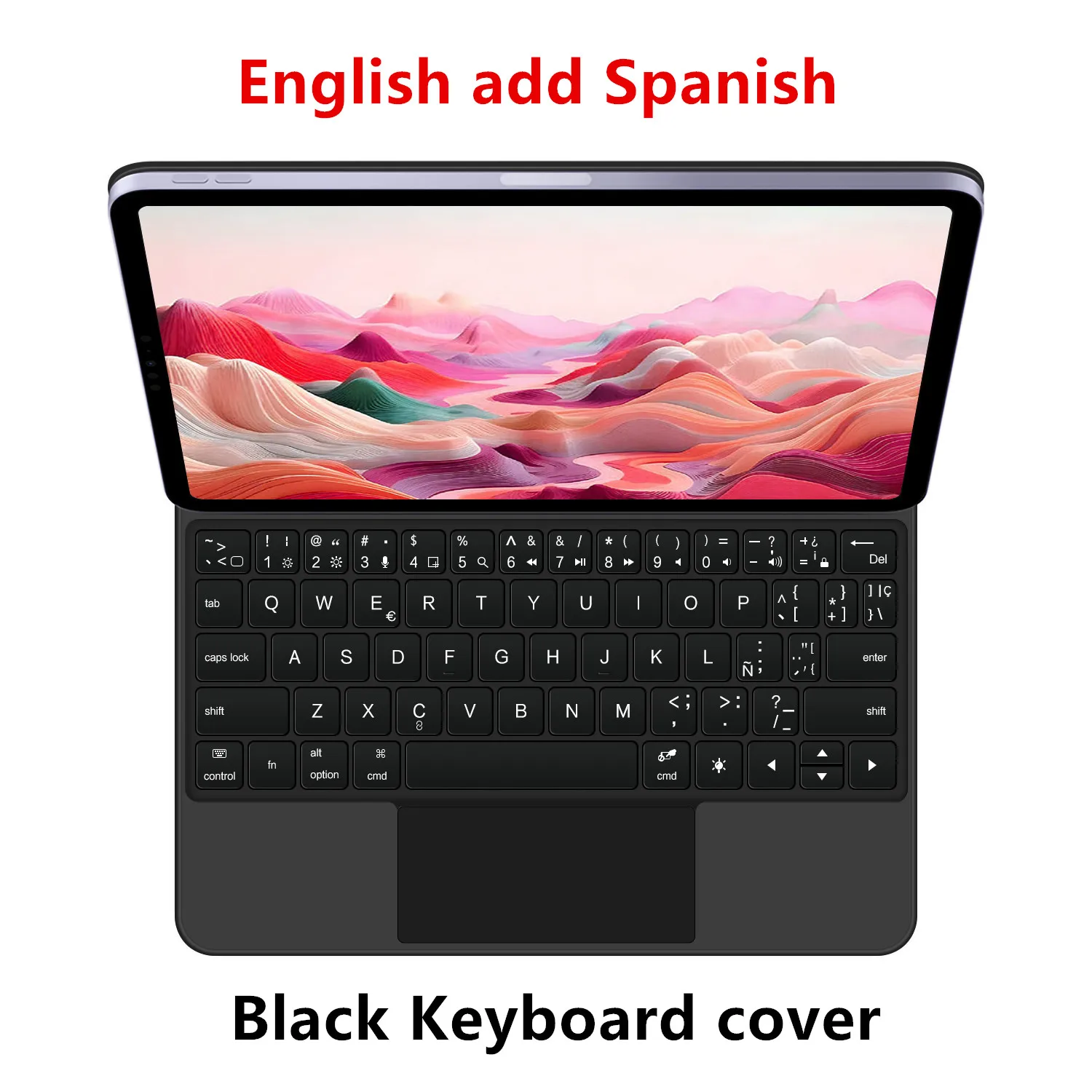
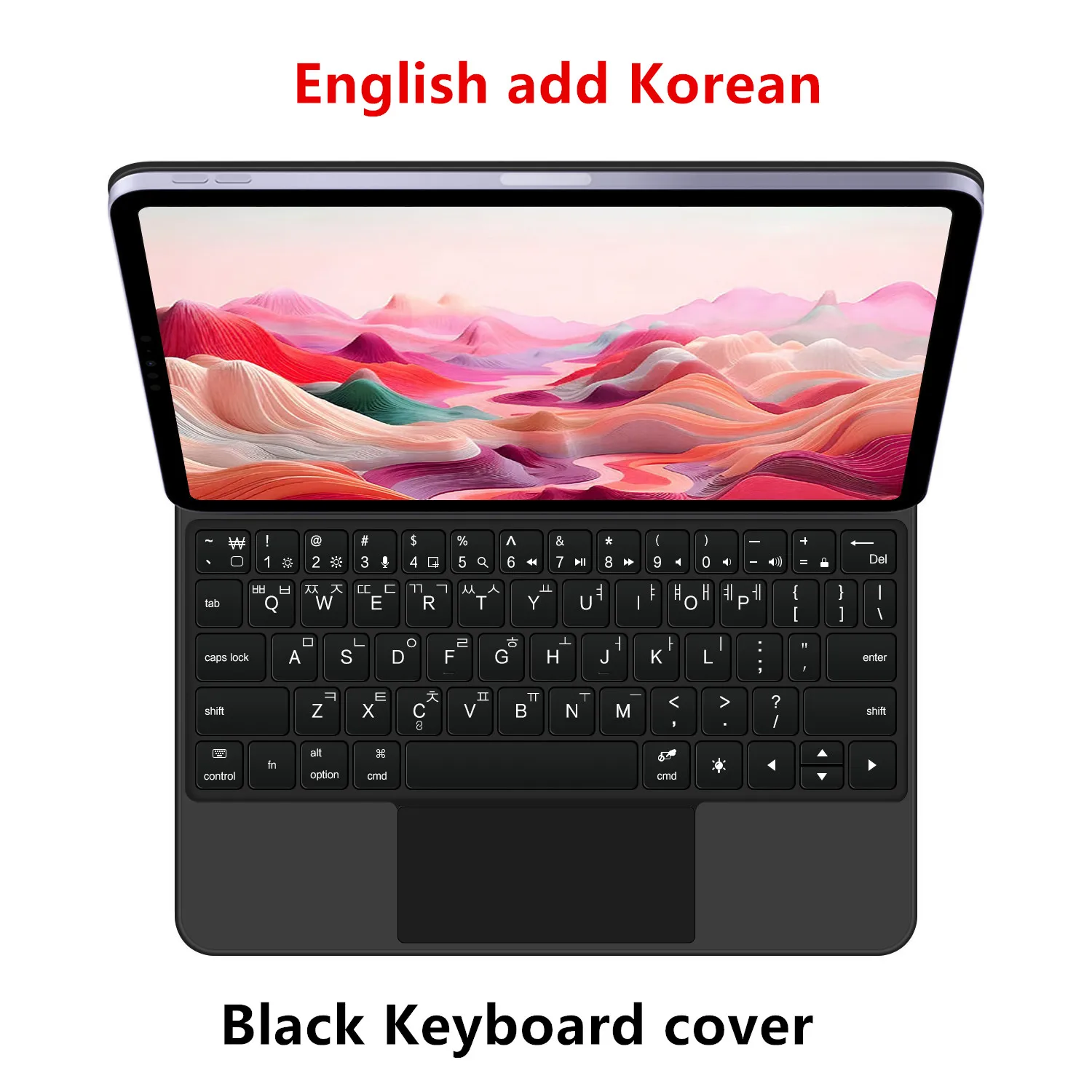
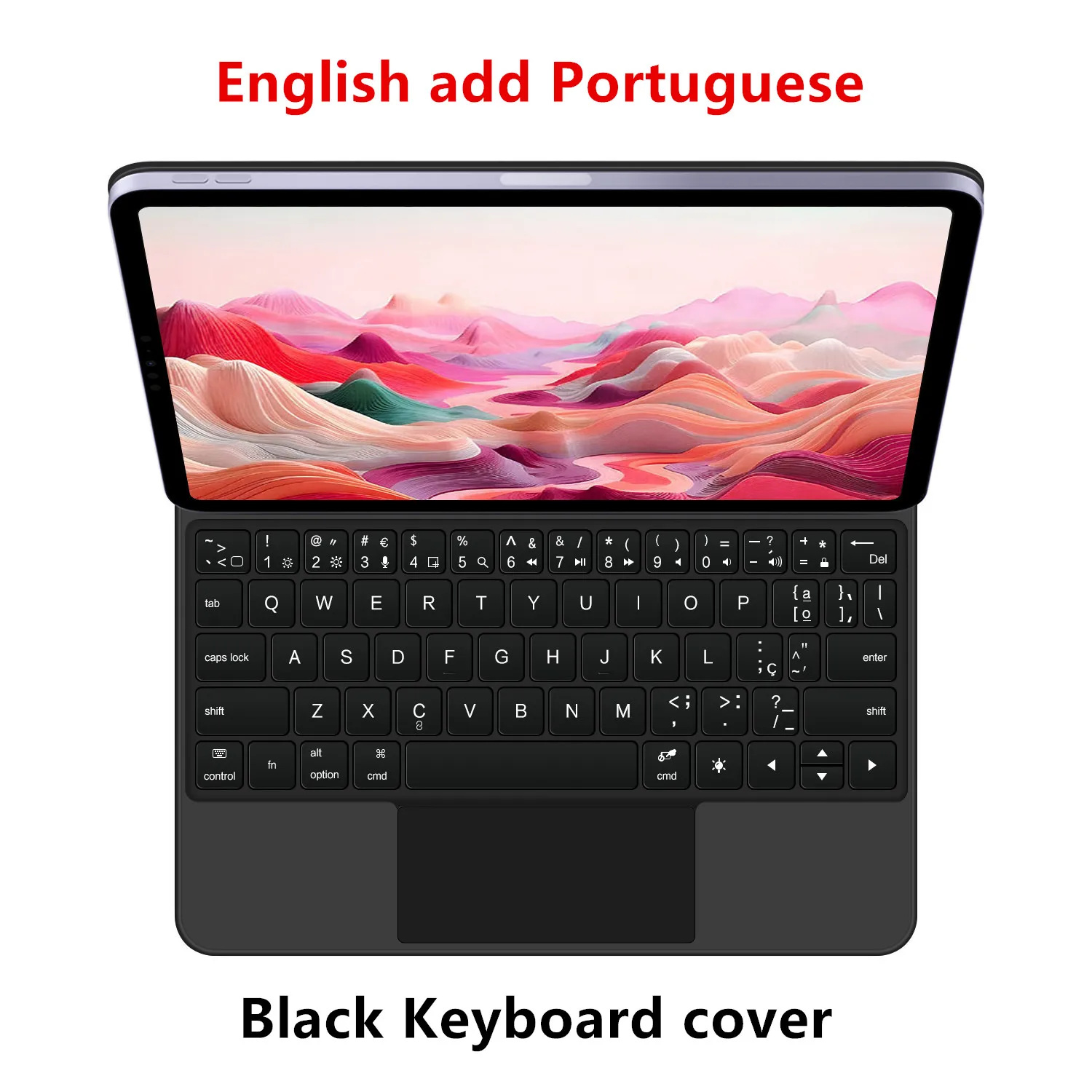
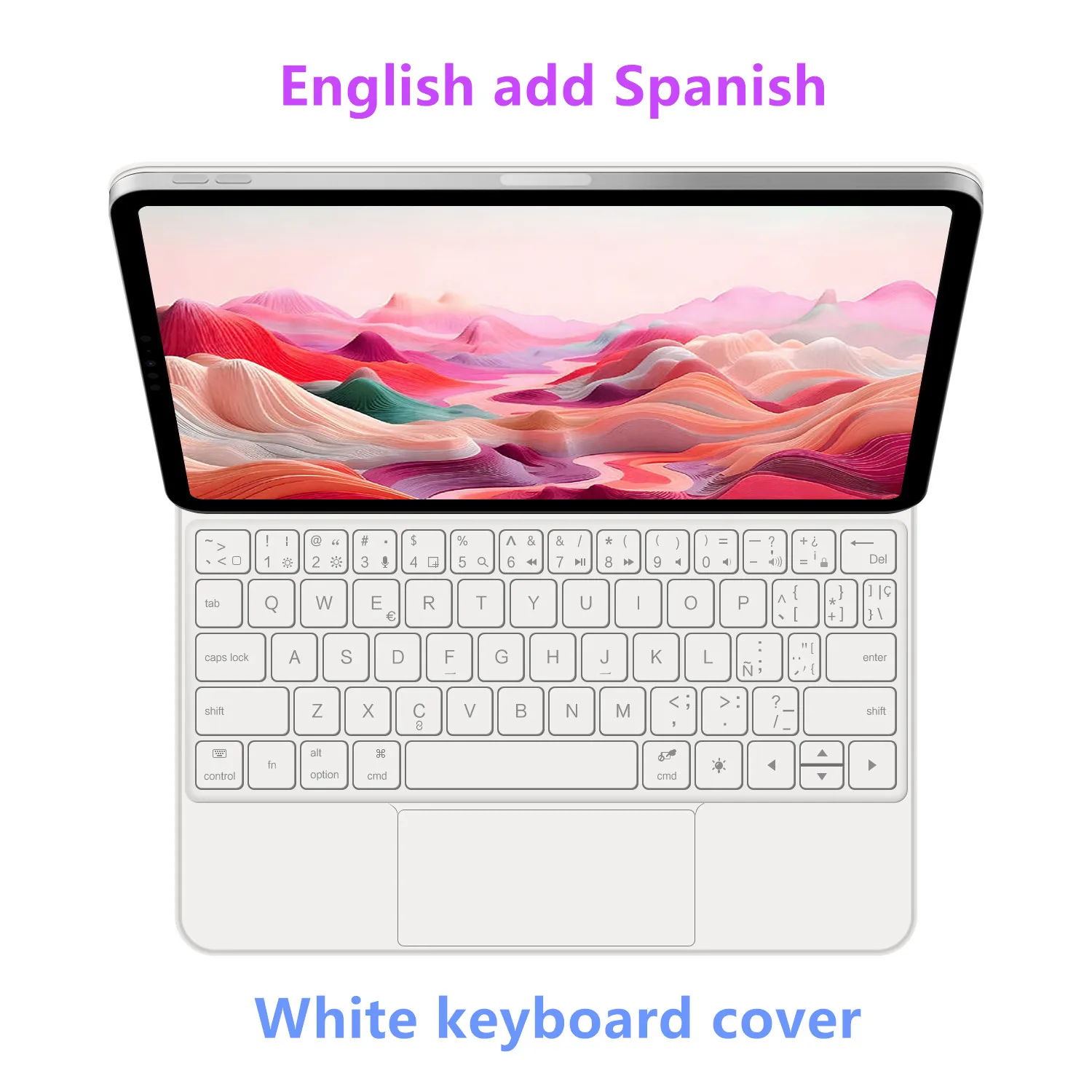
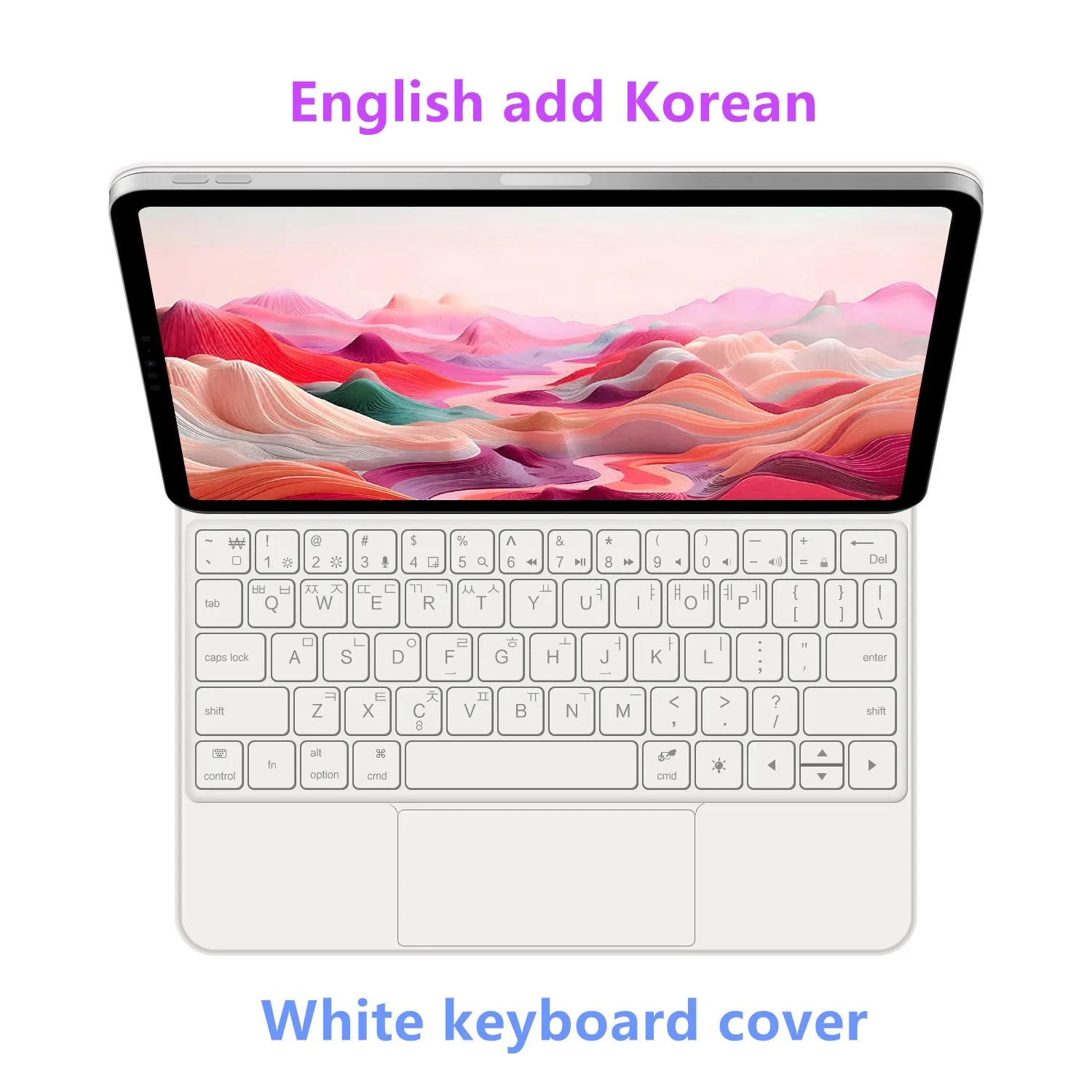
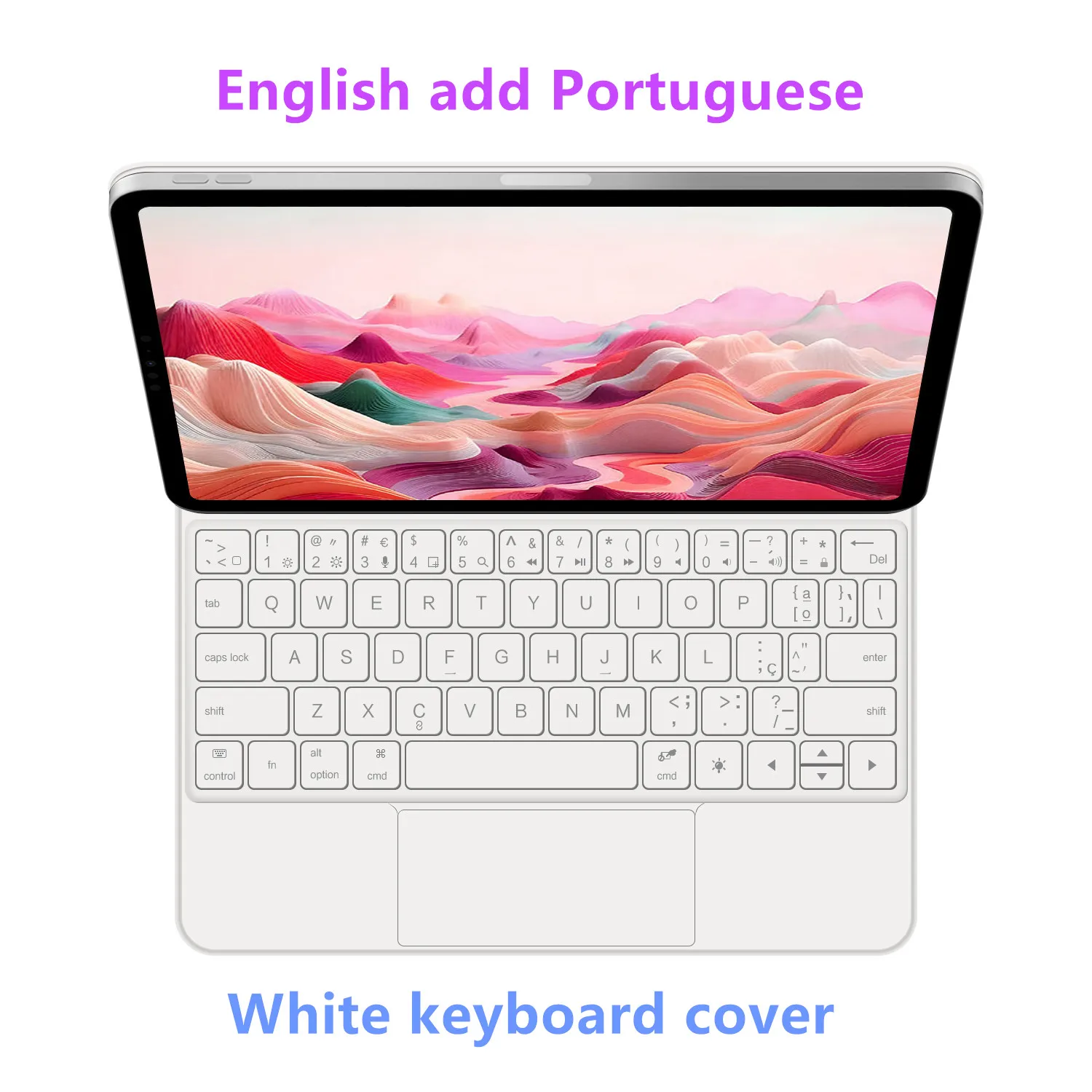
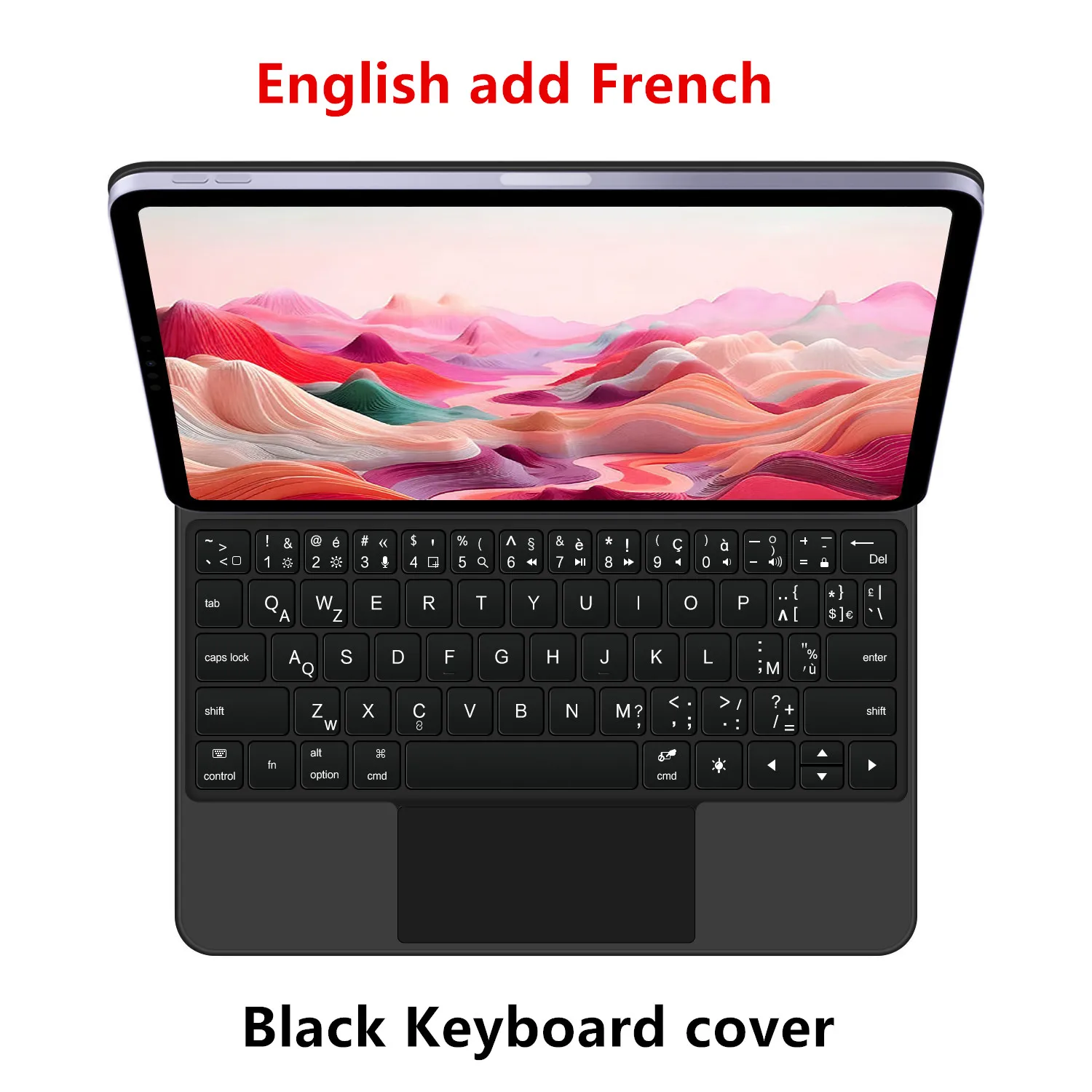
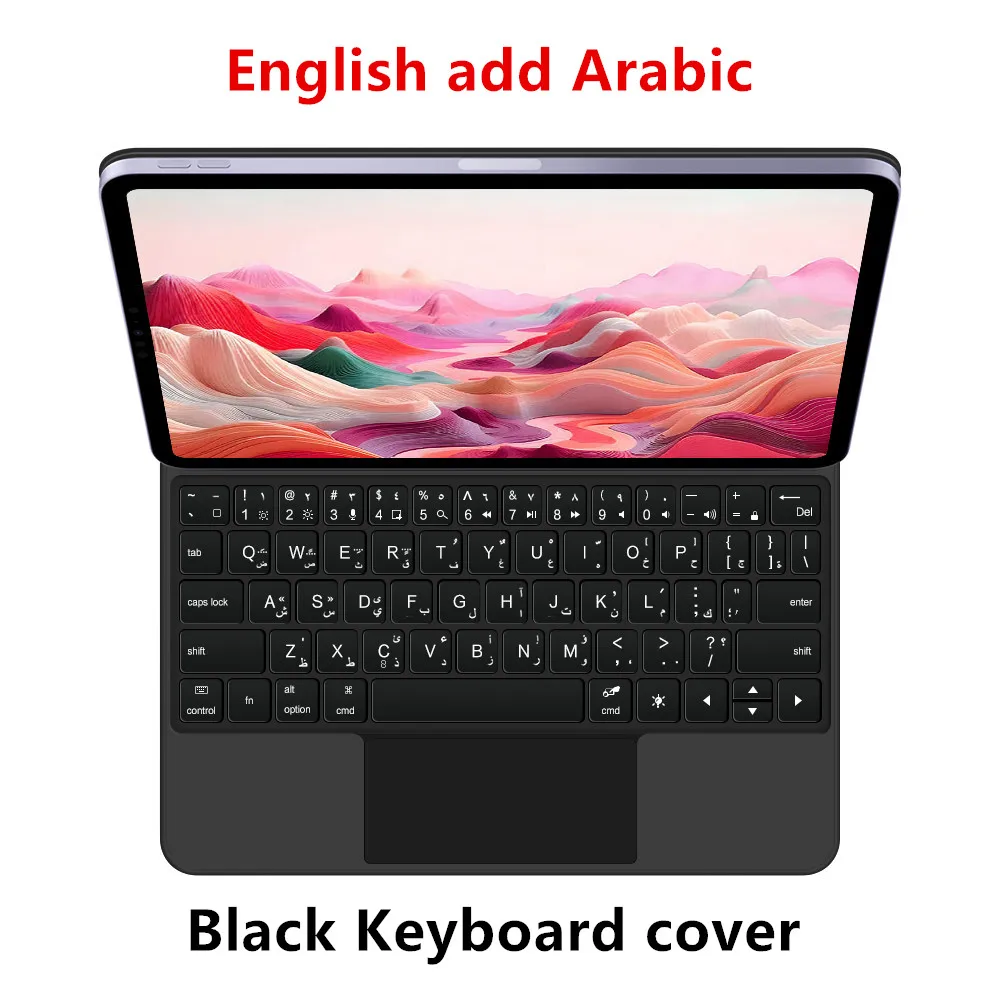
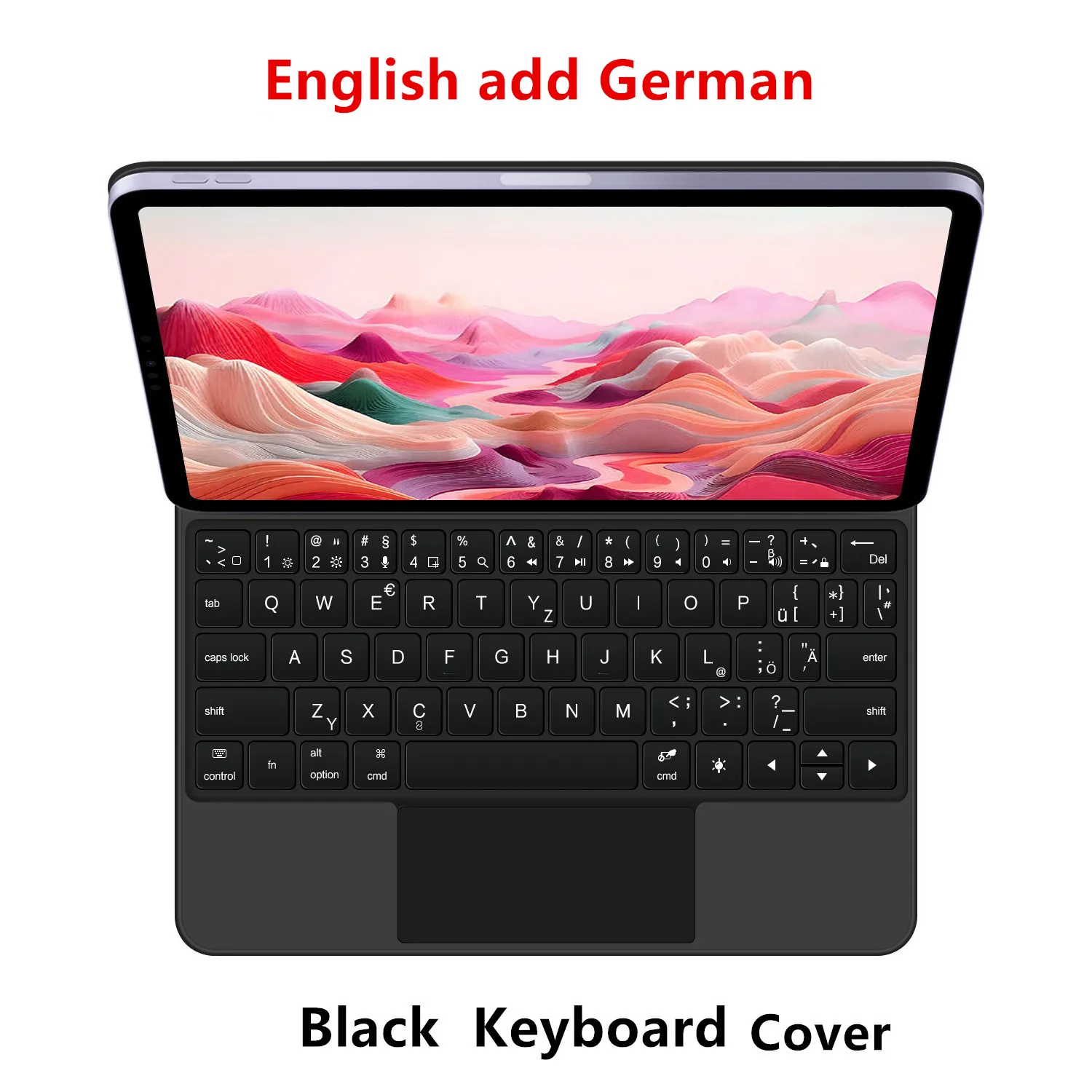
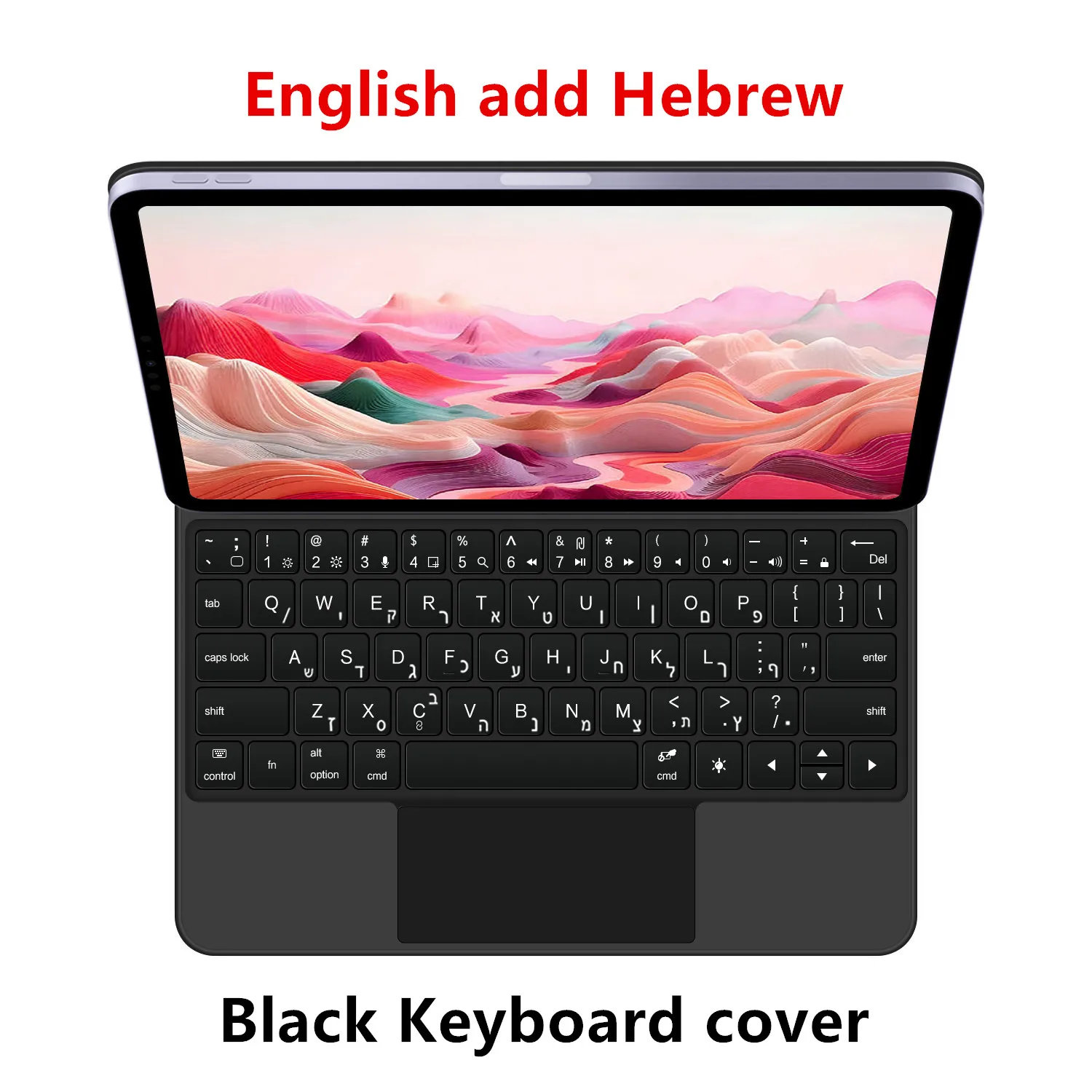
Language: Arabic,Portuguese,Spanish,English,German,French,Korean
Model Number: For New iPad Air 13 inch M4 M3 M2
Origin: Mainland China
PogoPinSupport: No
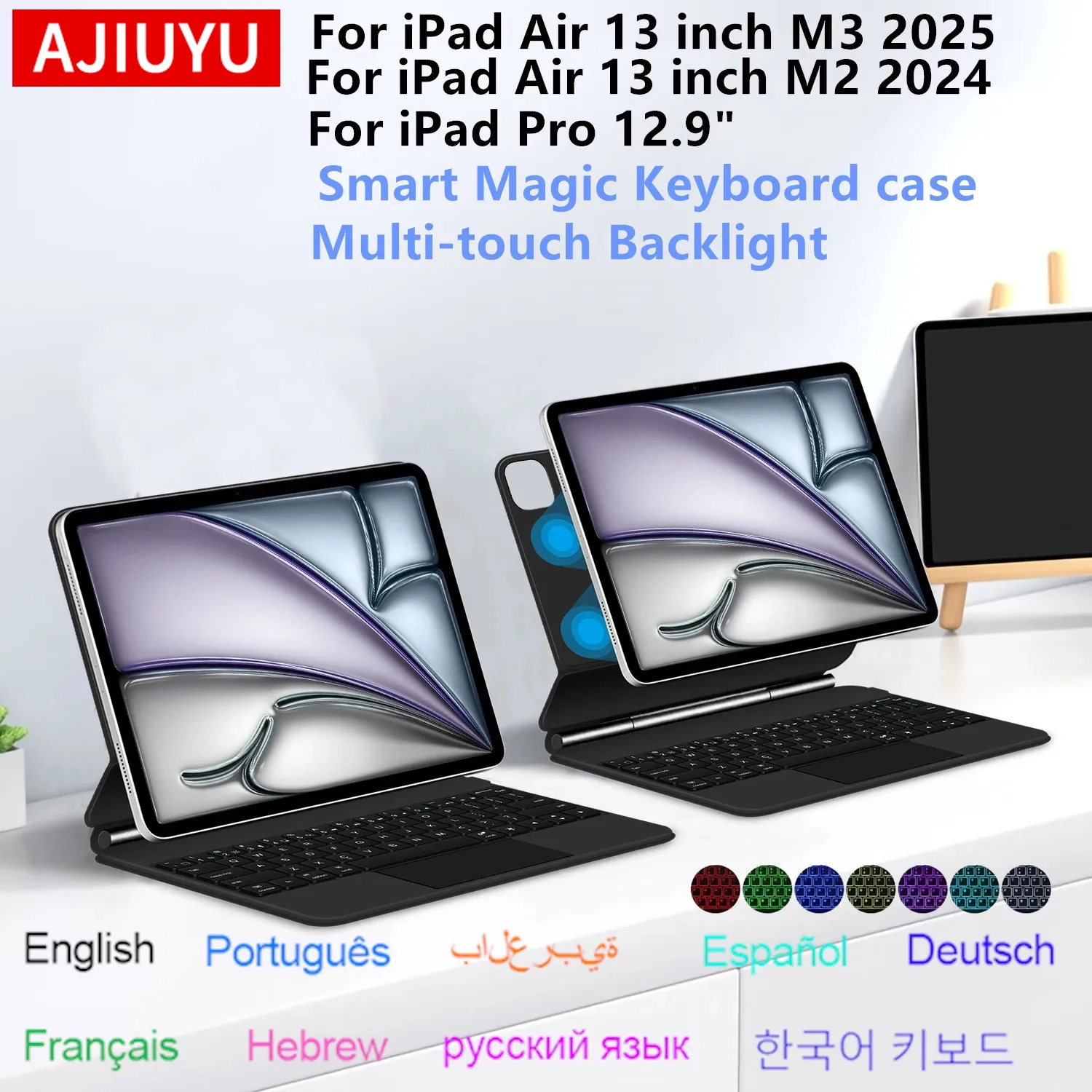
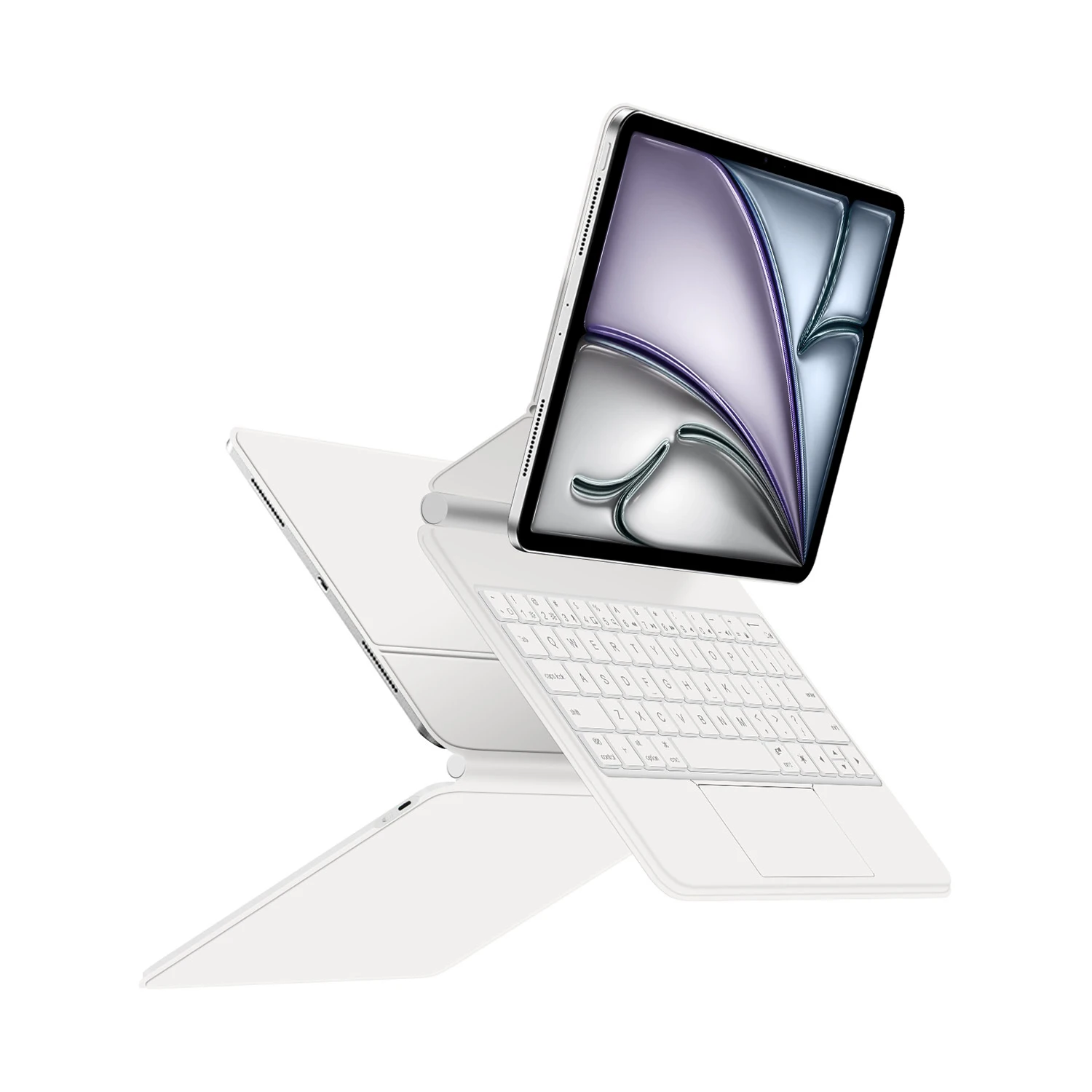
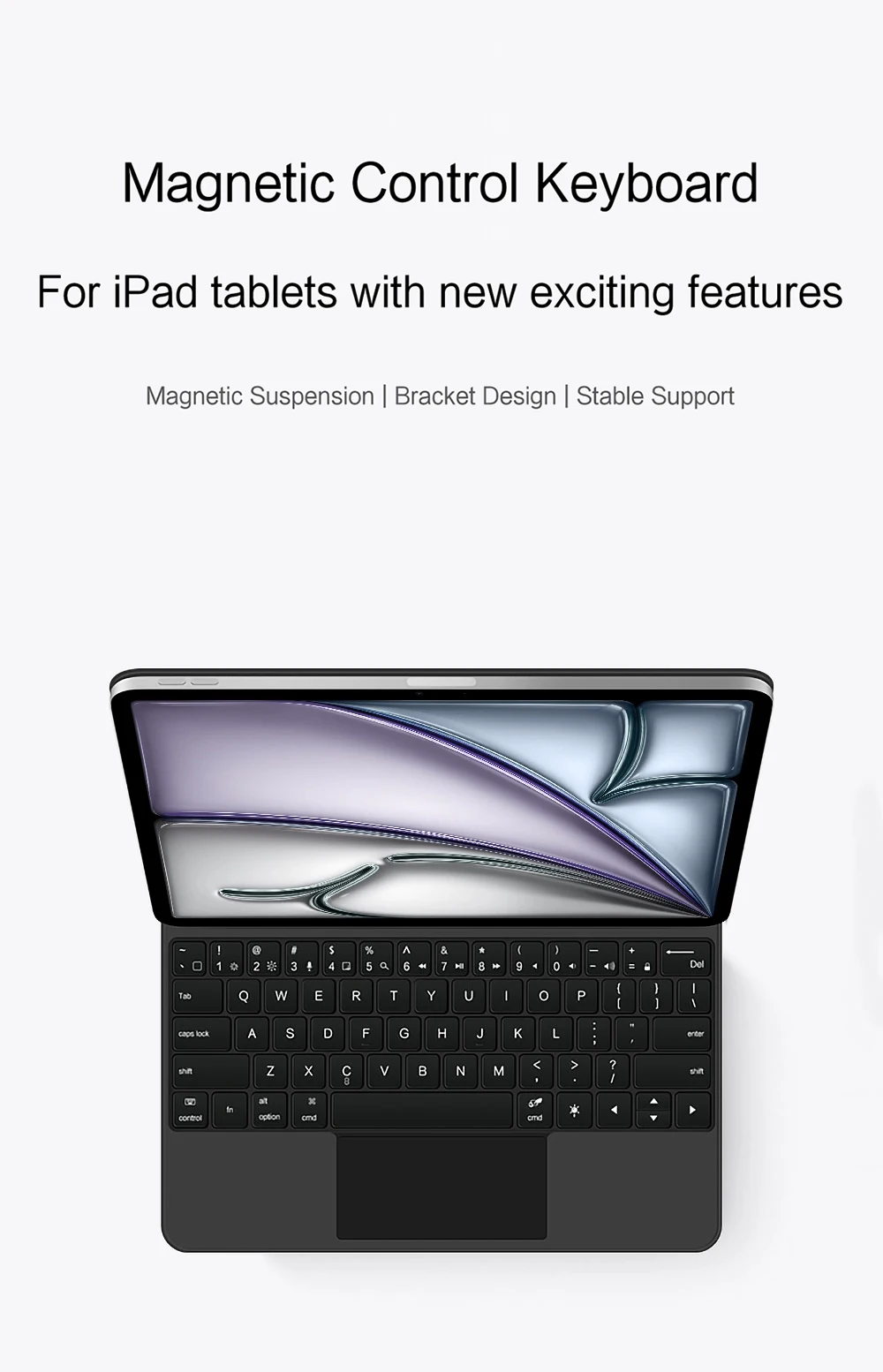
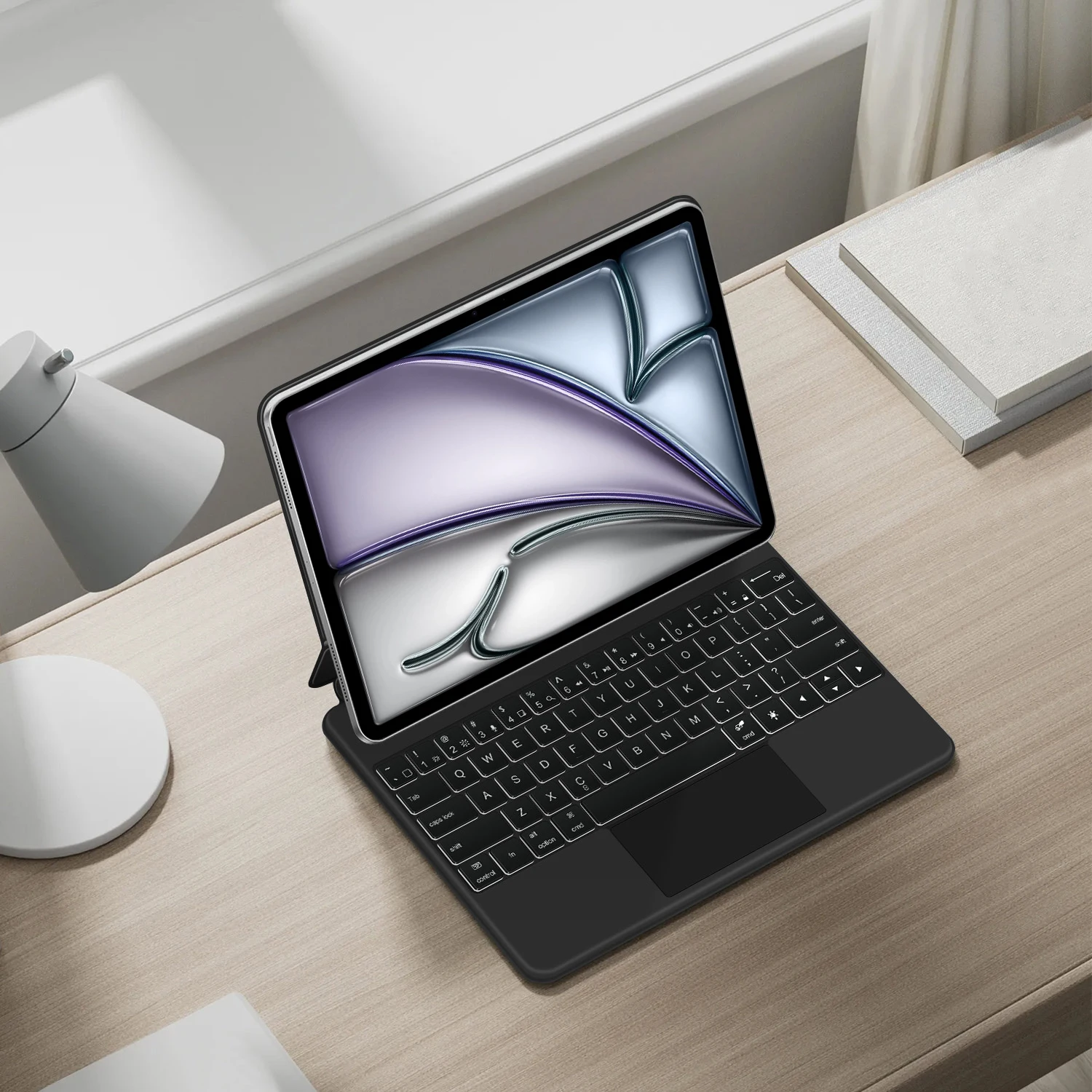
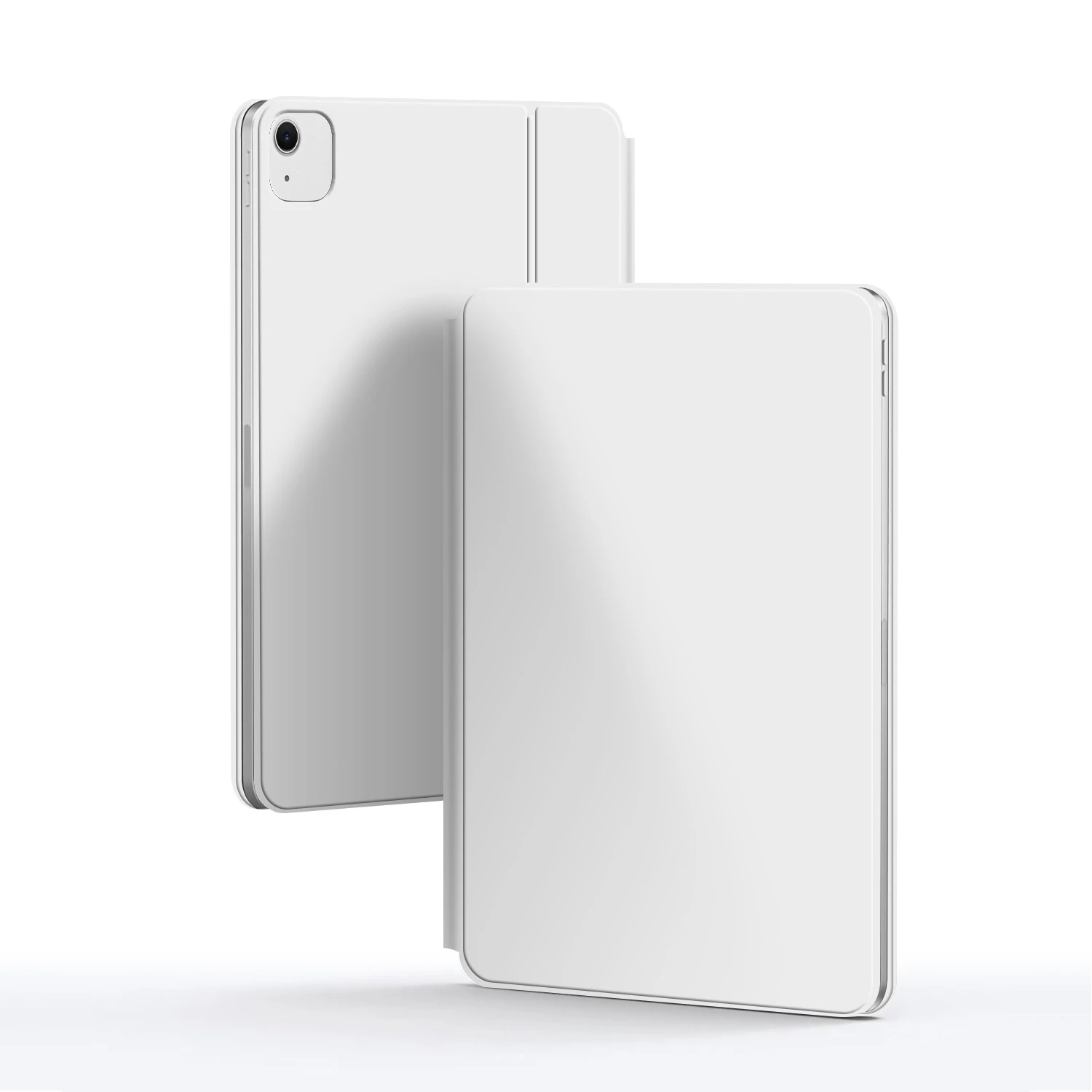
 For iPad Air 13 inch M2 M3 M4 &Pro 12.9" 2018-2022 Magic Keyboard
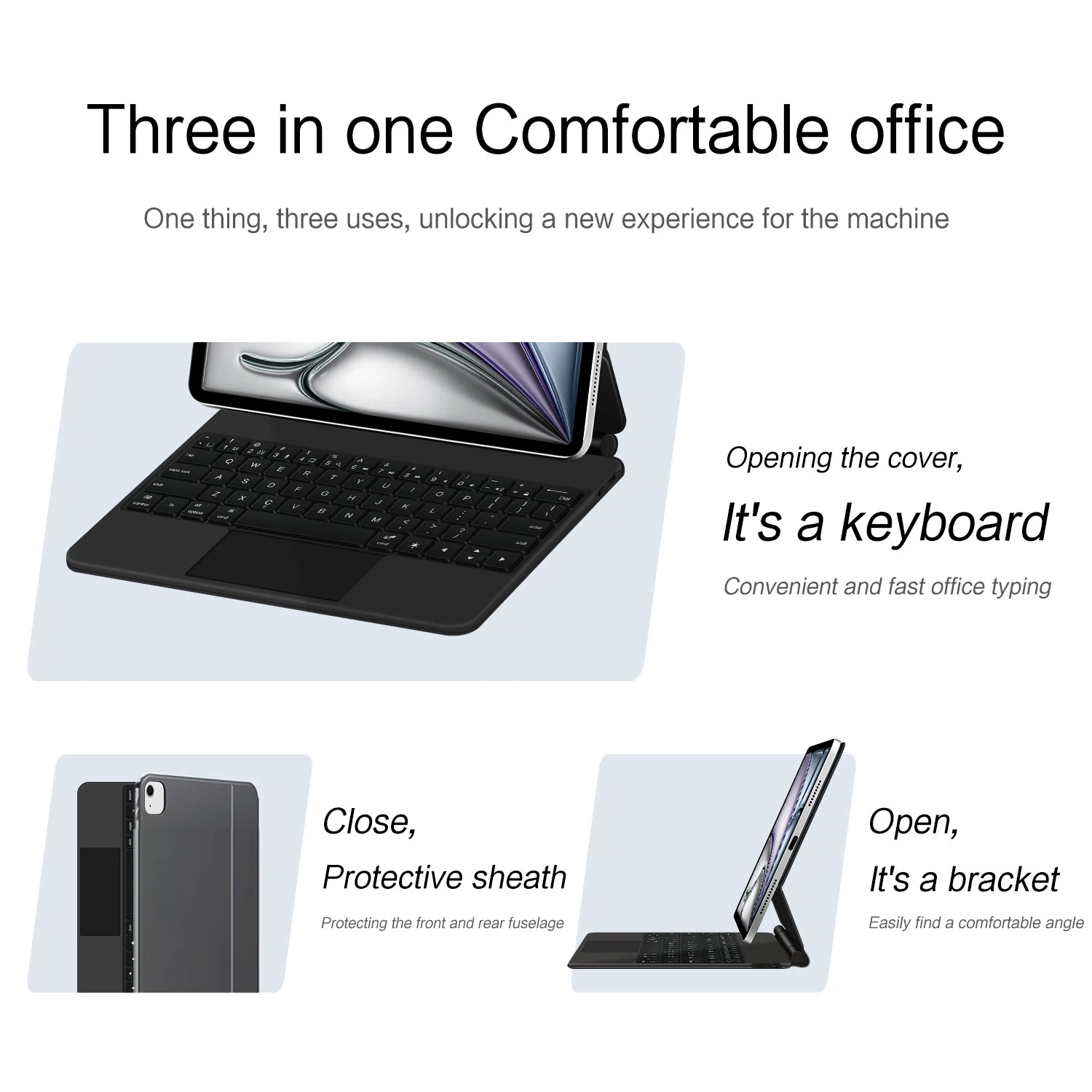
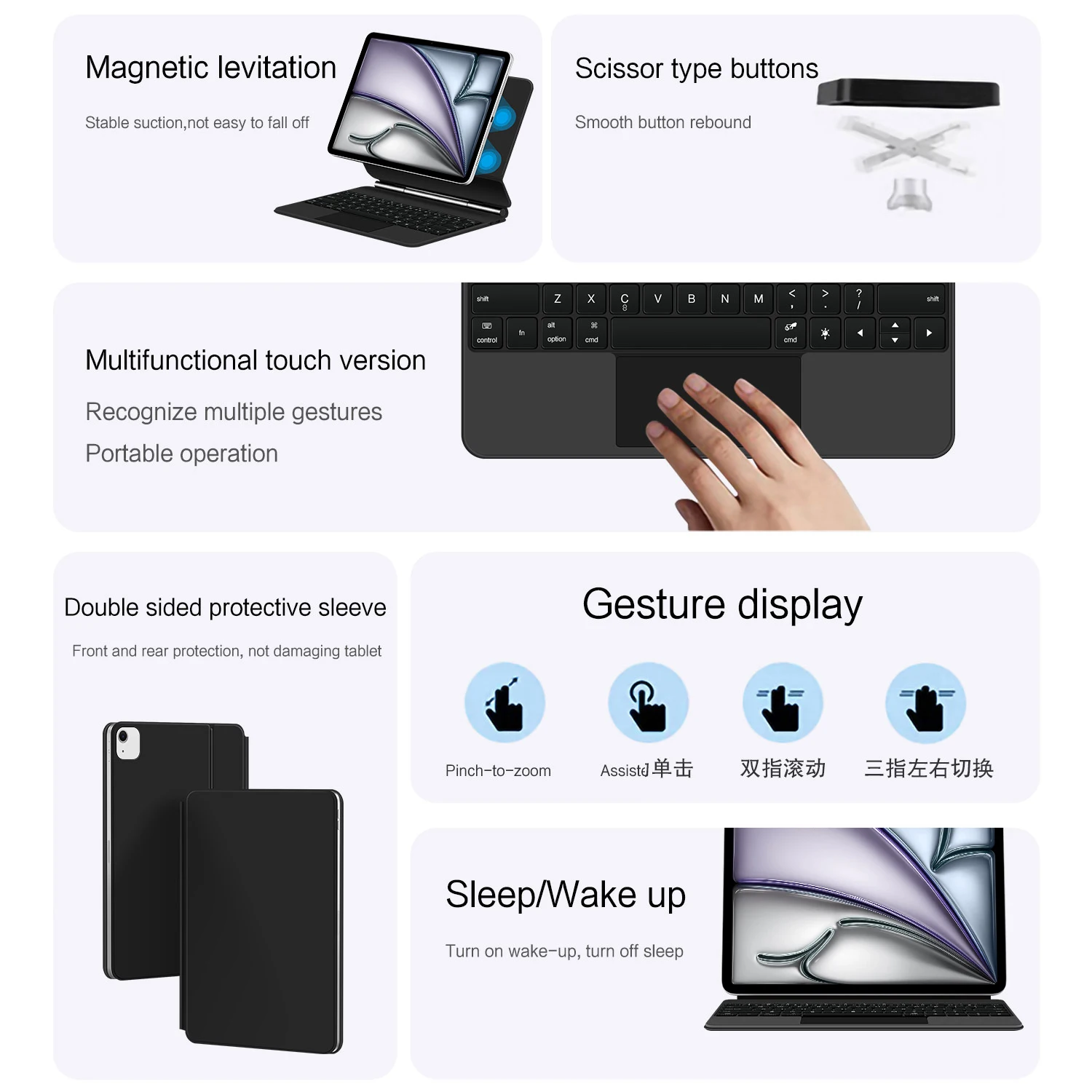
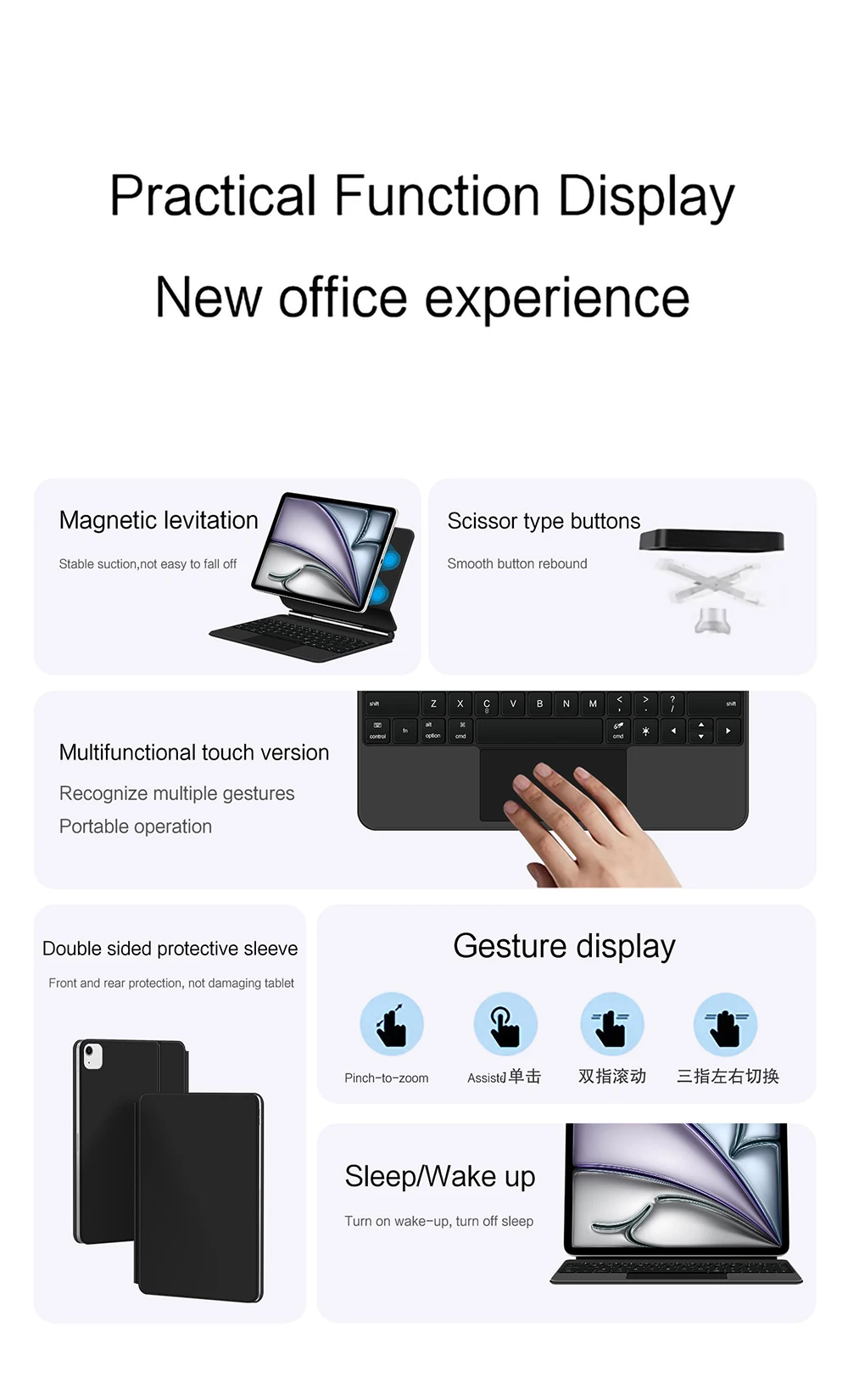
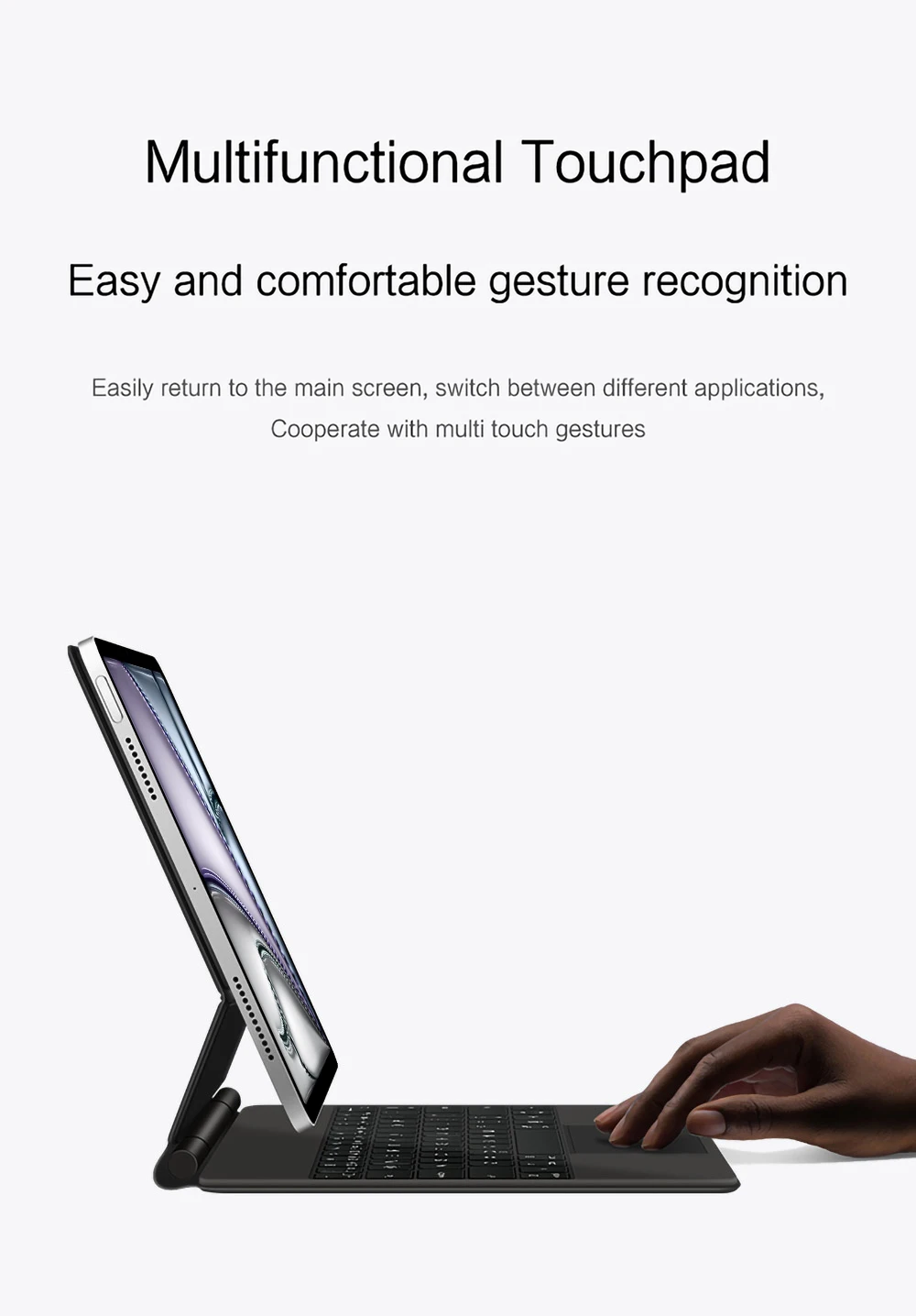
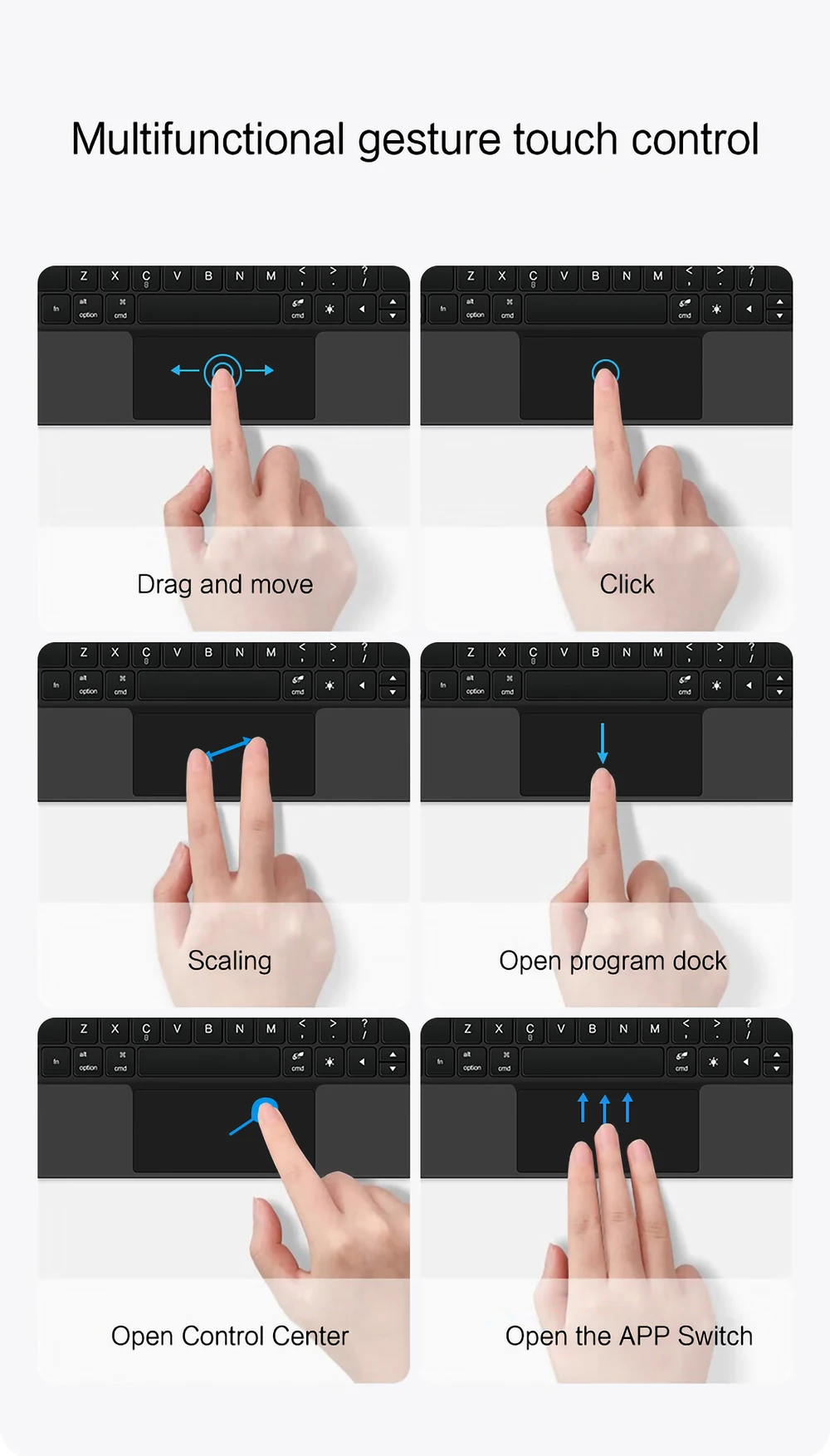
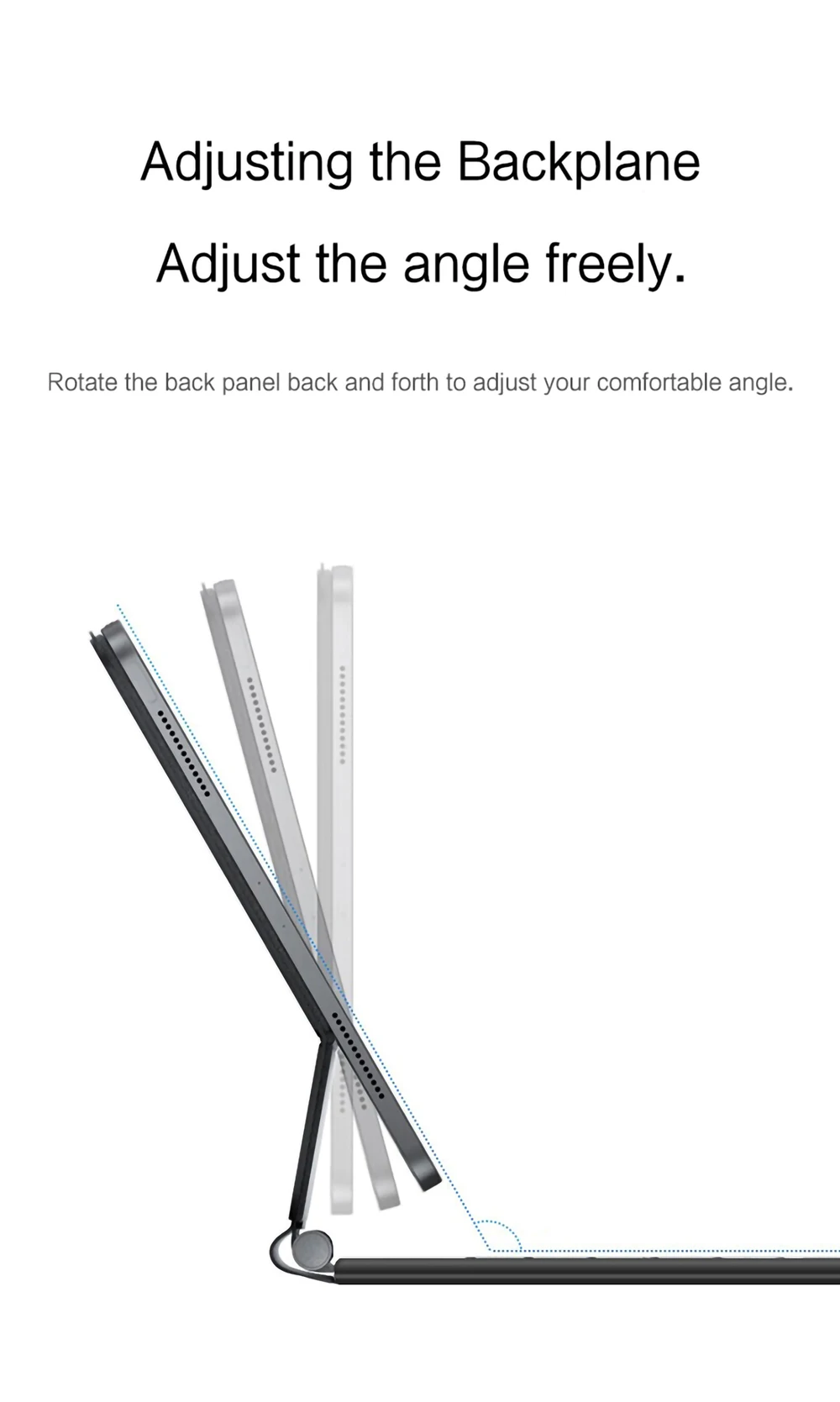
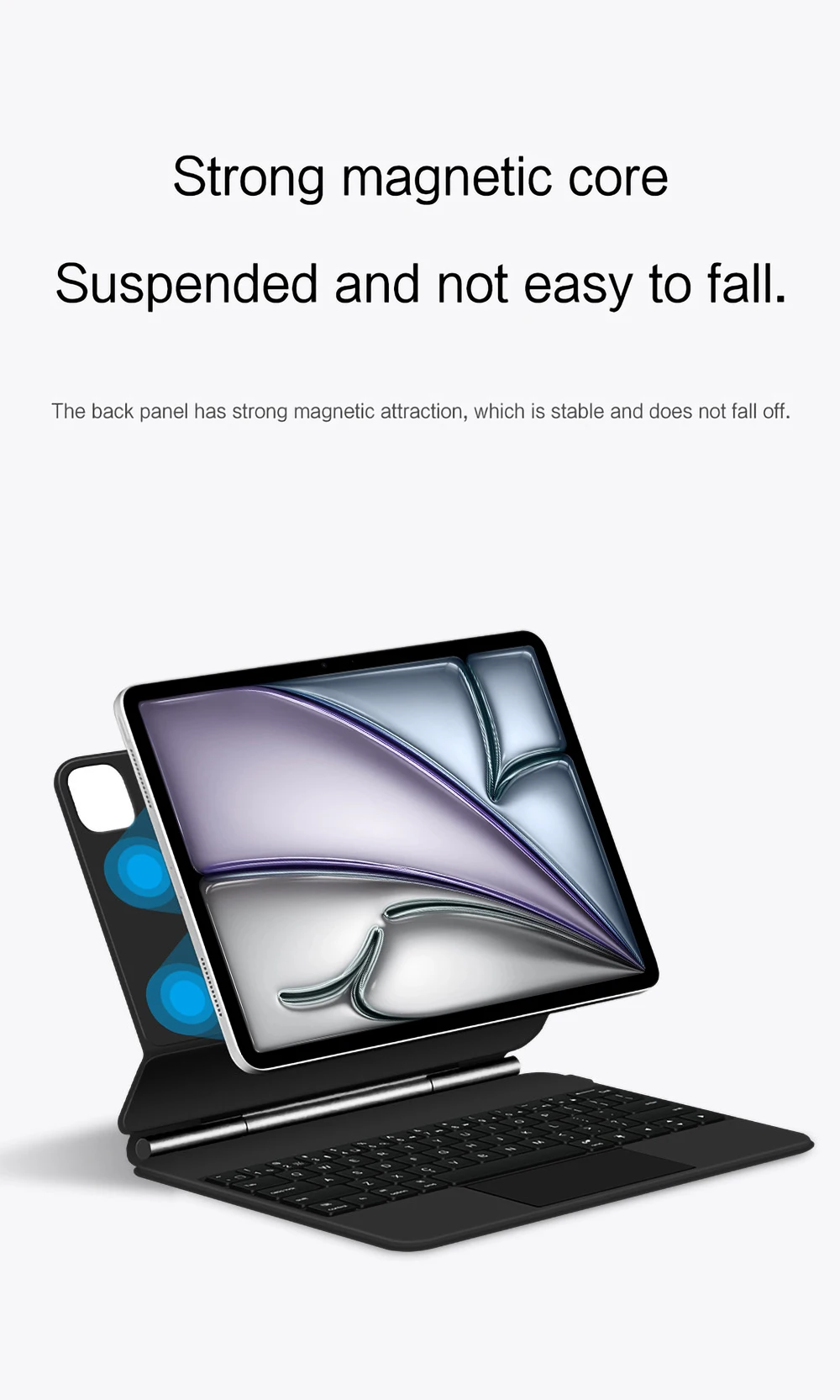
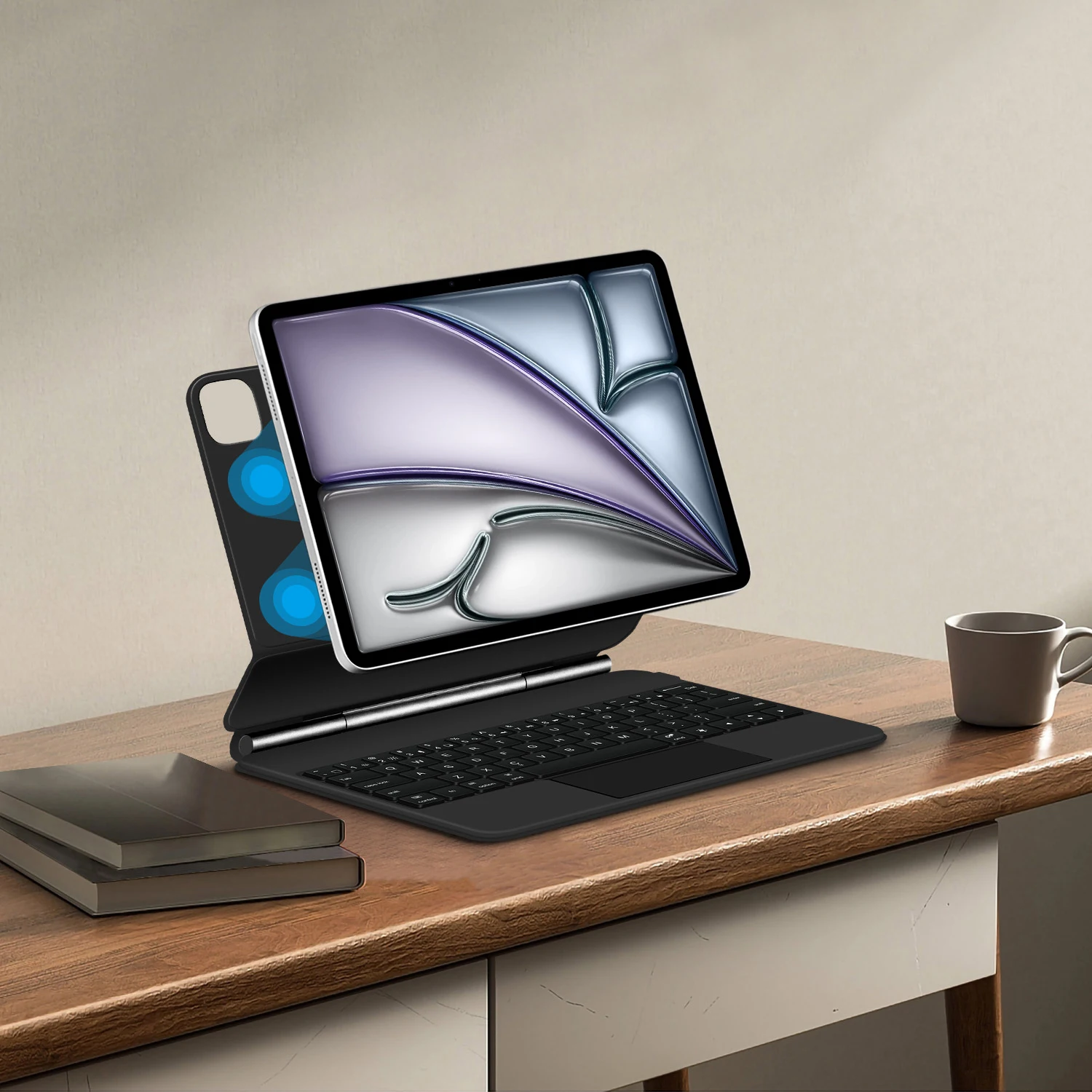
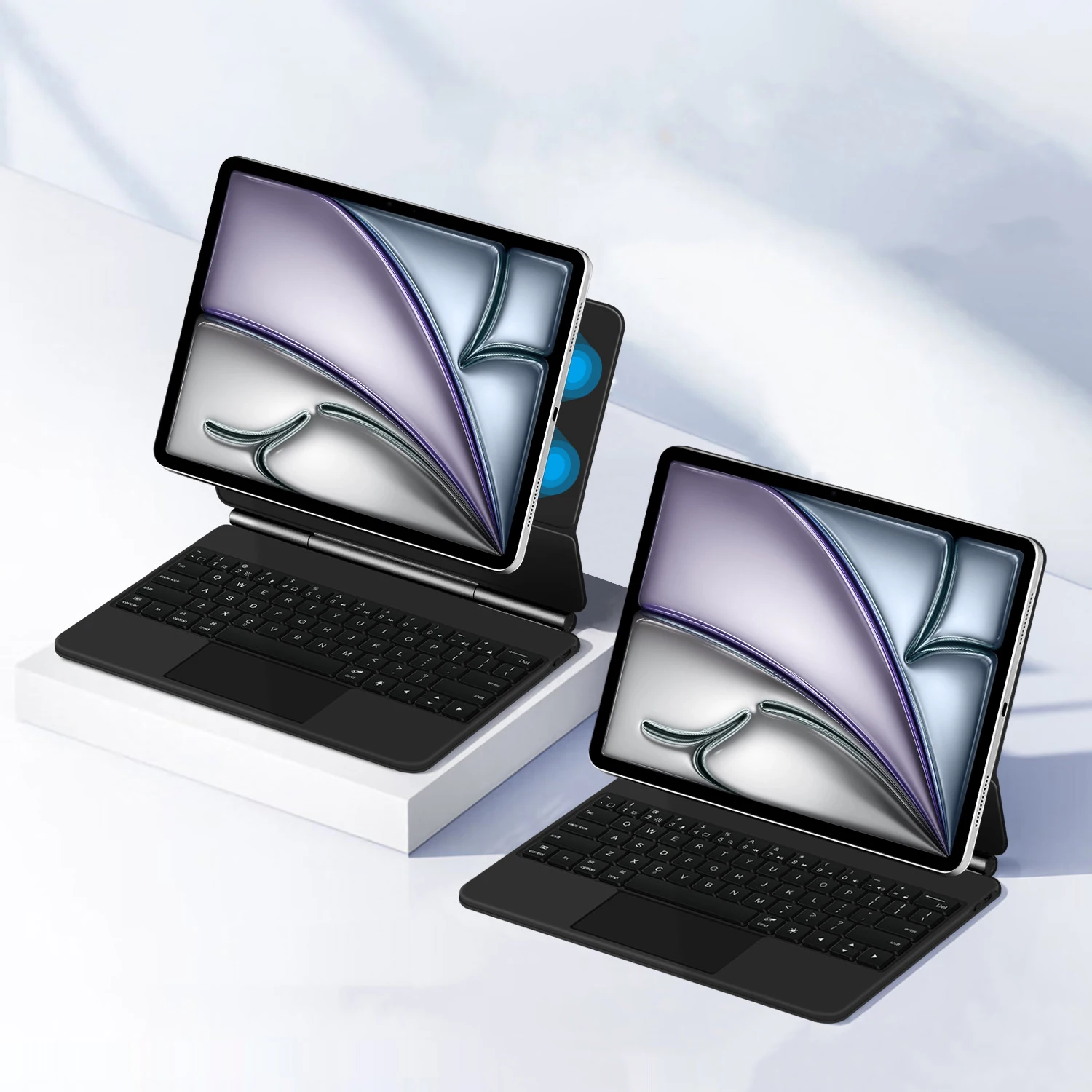
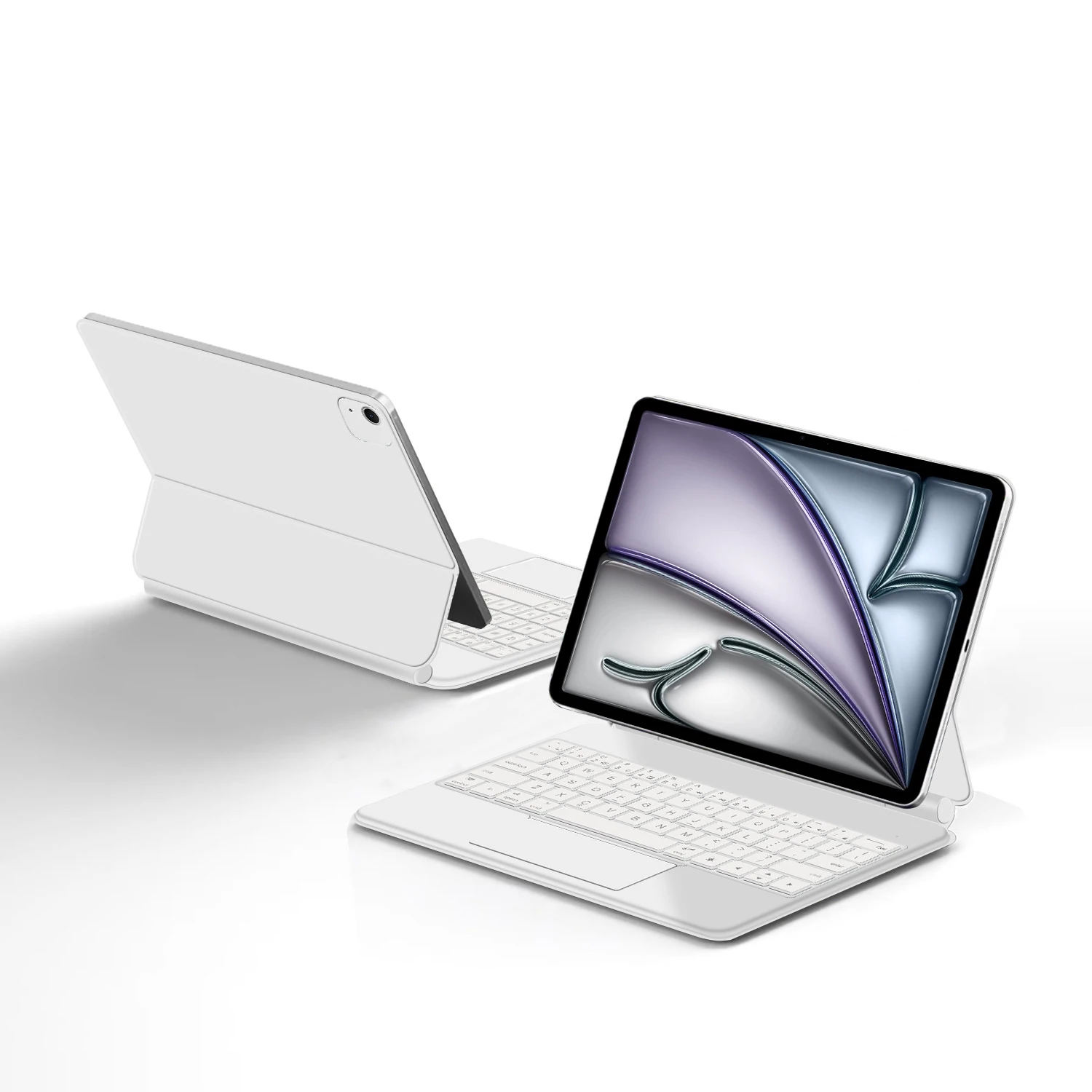
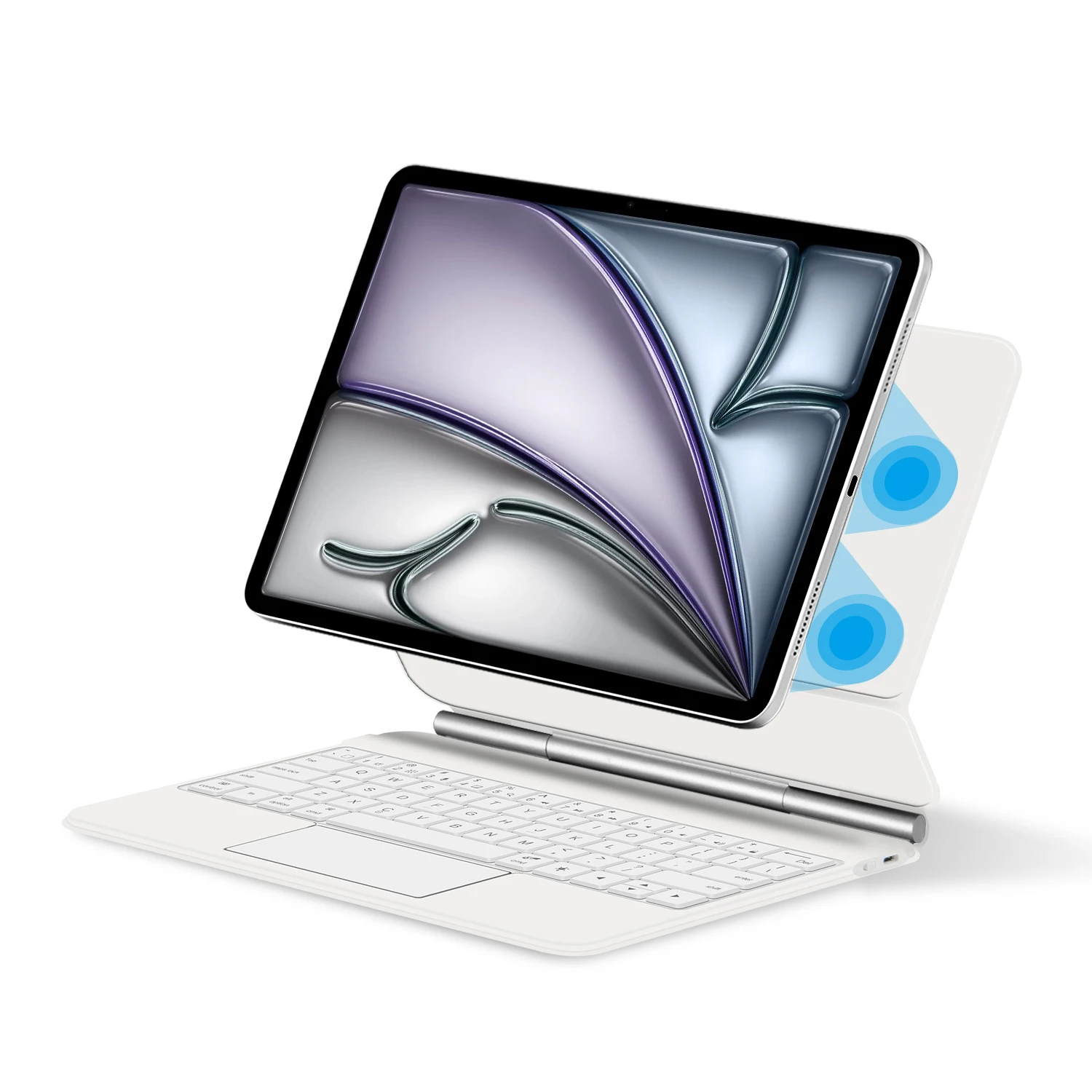
Magnetic adsorption, backlight, touch panel, multi angle support、Wireless Bluetooth connection
Note 1:You need to upgrade the system to version 14.5 or higher to use the touchpad.
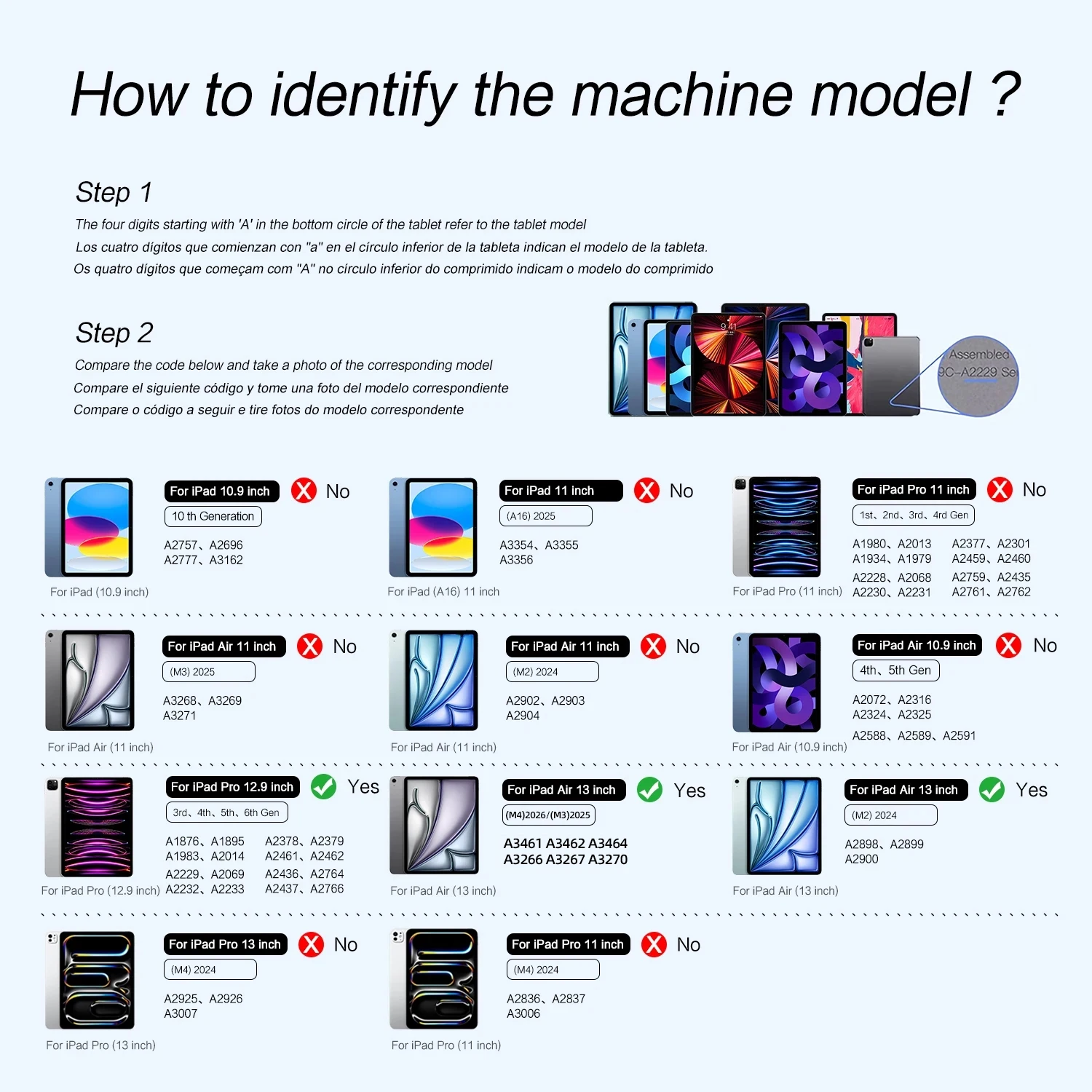
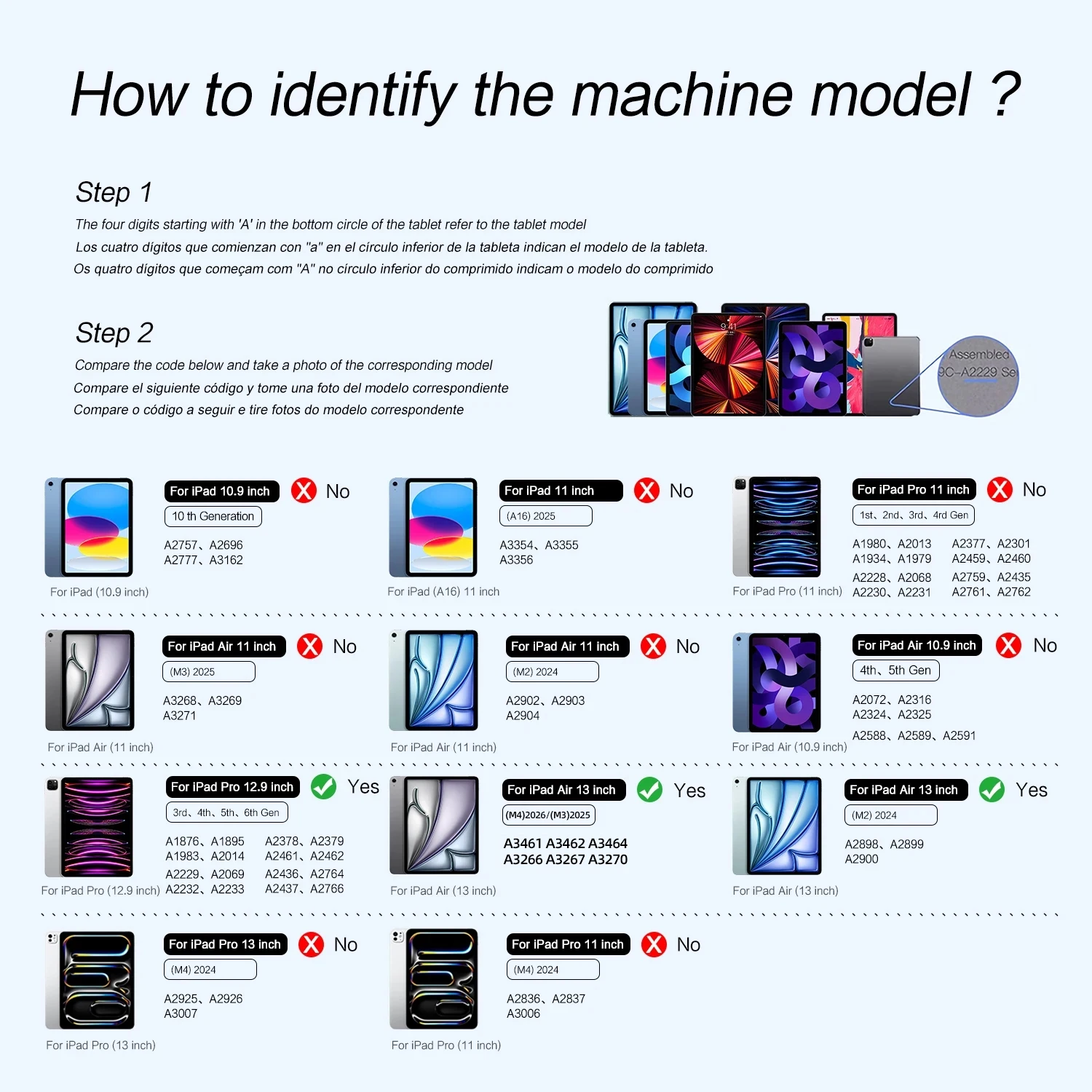
Note 2:Please check in the size and detail model of your Tablet. it is very importtant ! ! !
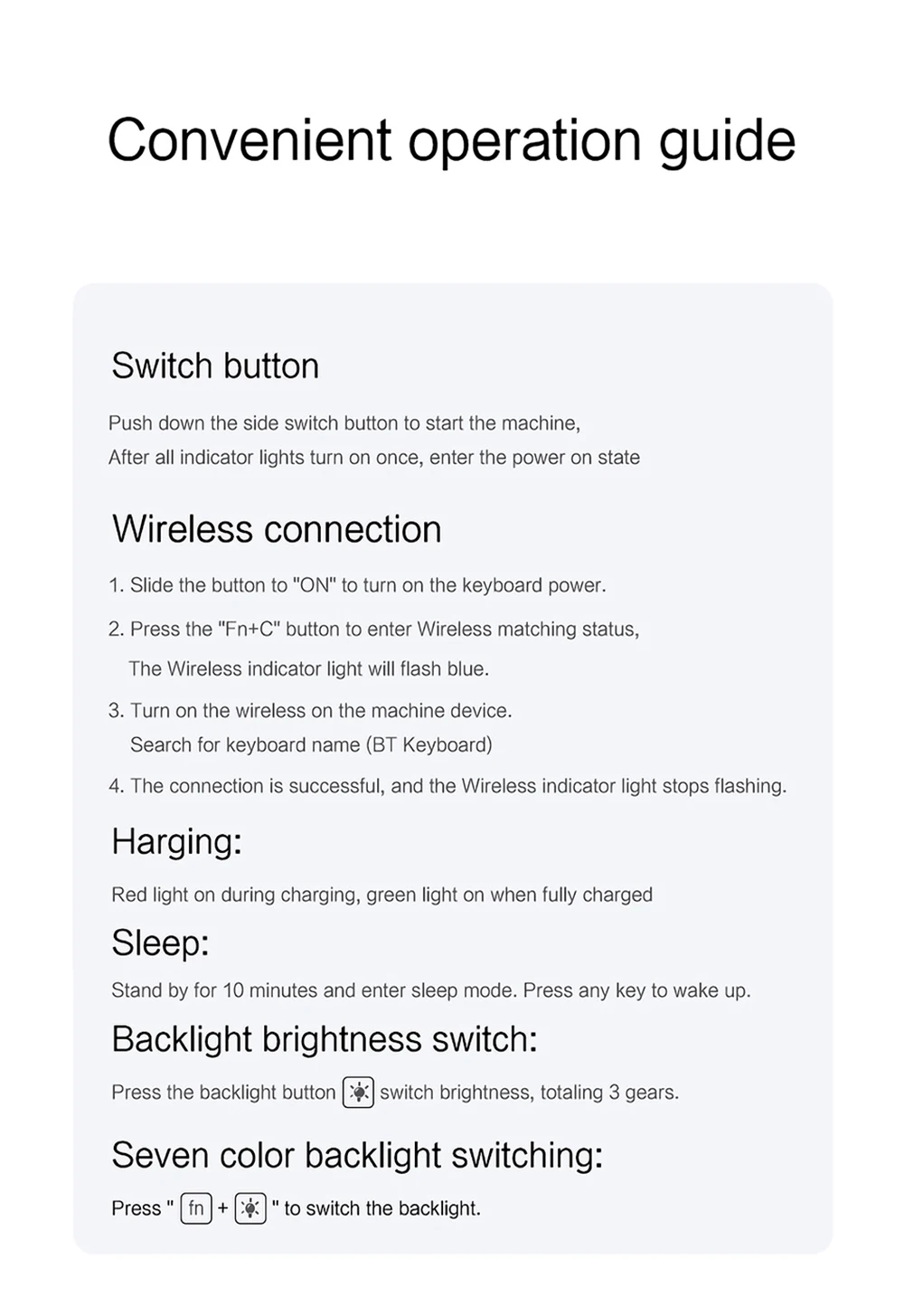
Note 3:After Open the Power, Please Click "Fn" and "C" 【Fn+C】Button Together to Open the Keyboard's Bluetooth. It is Very Important.
Product Details:
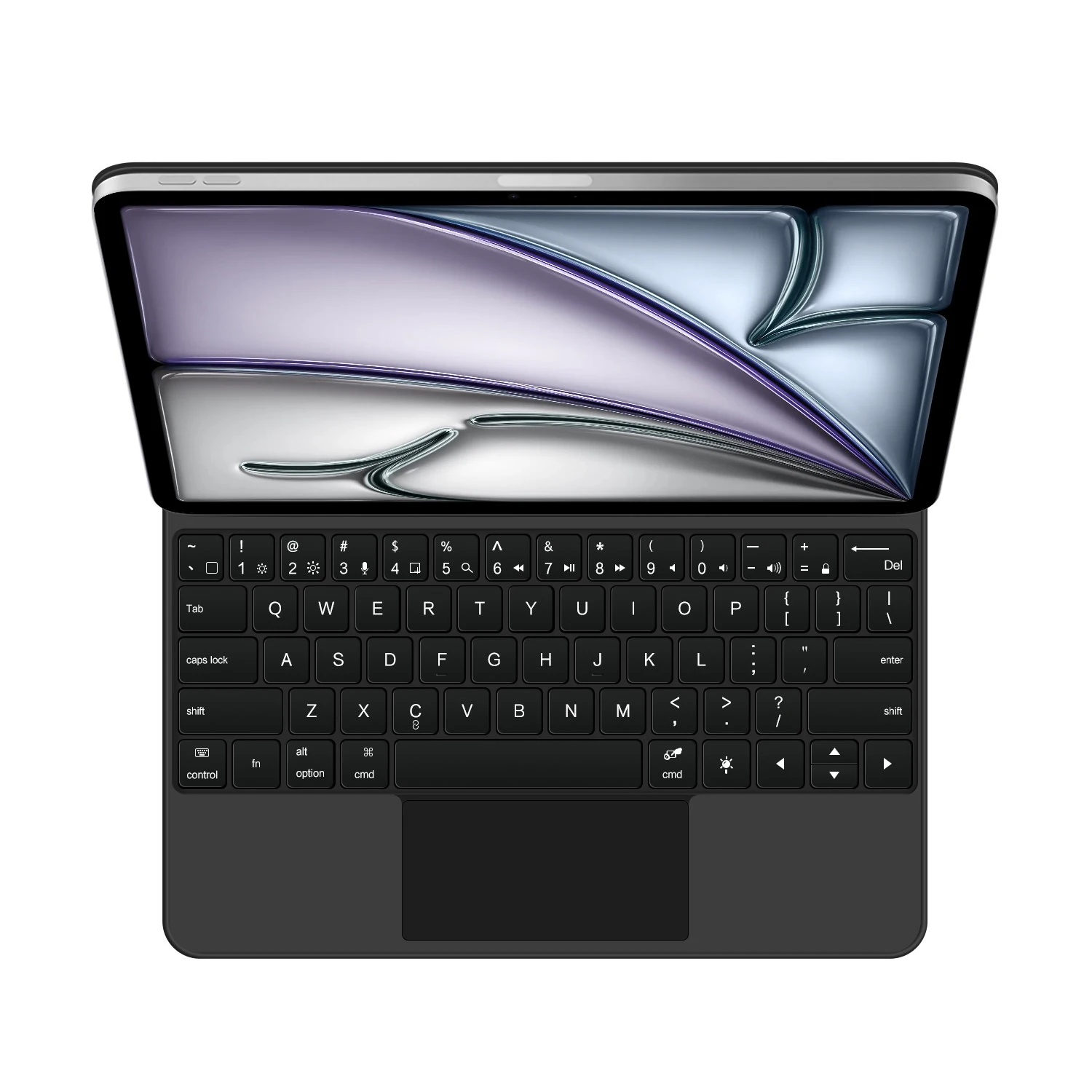
1. Number of buttons: 64
2. Battery: Lithium battery 500mAh
3. Stand-by time: 150 days
4. Working Time: 5 hours (with backlit on),120 hours (with backlit off)
5. Working Voltage: 3.0 – 4.2V
6. Charging current:<250 mA
7. Effective distance: 10 meters
8. Backlit Light: 7 colors backlit
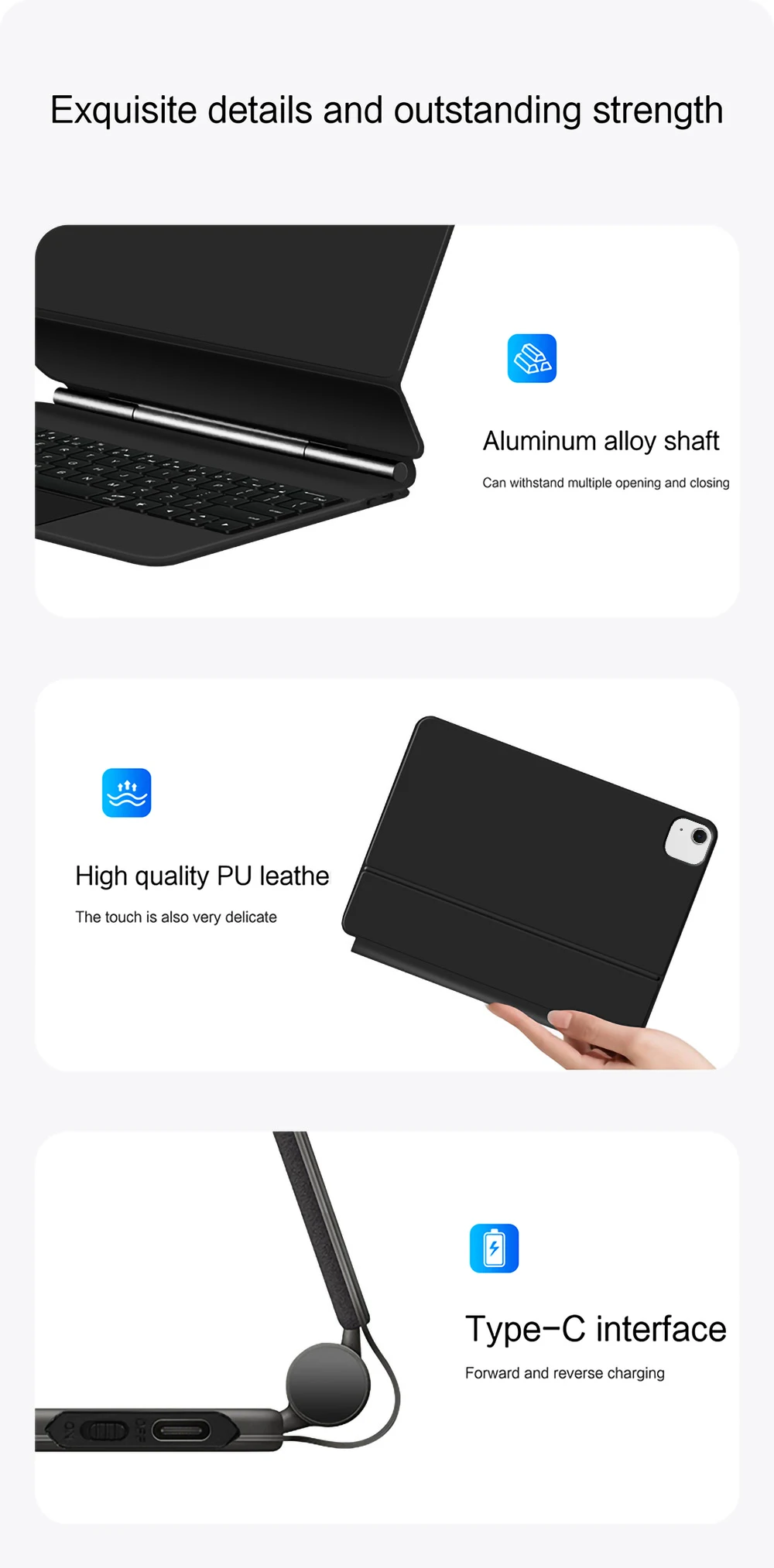
9. Charge Port: Type-c
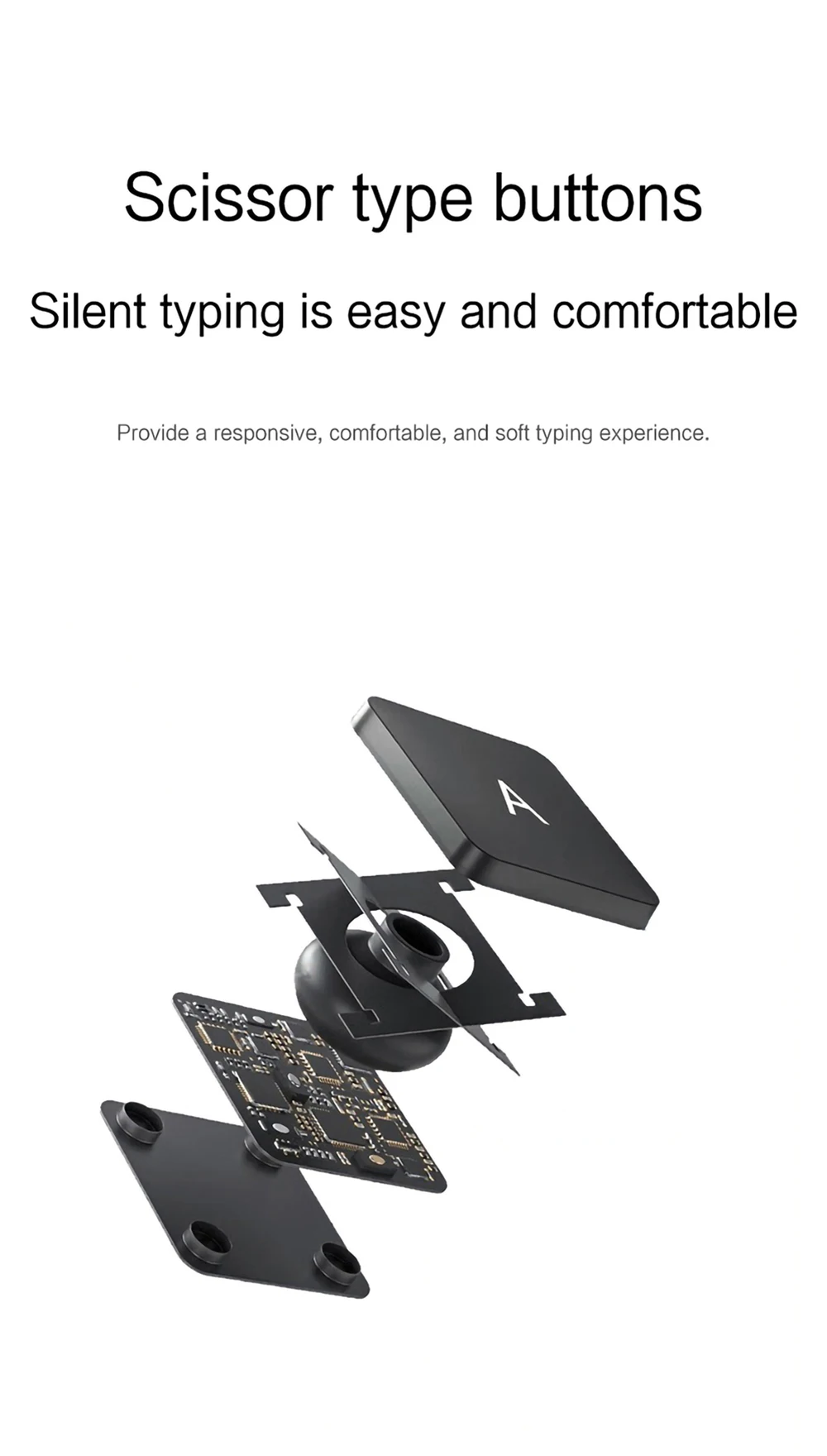
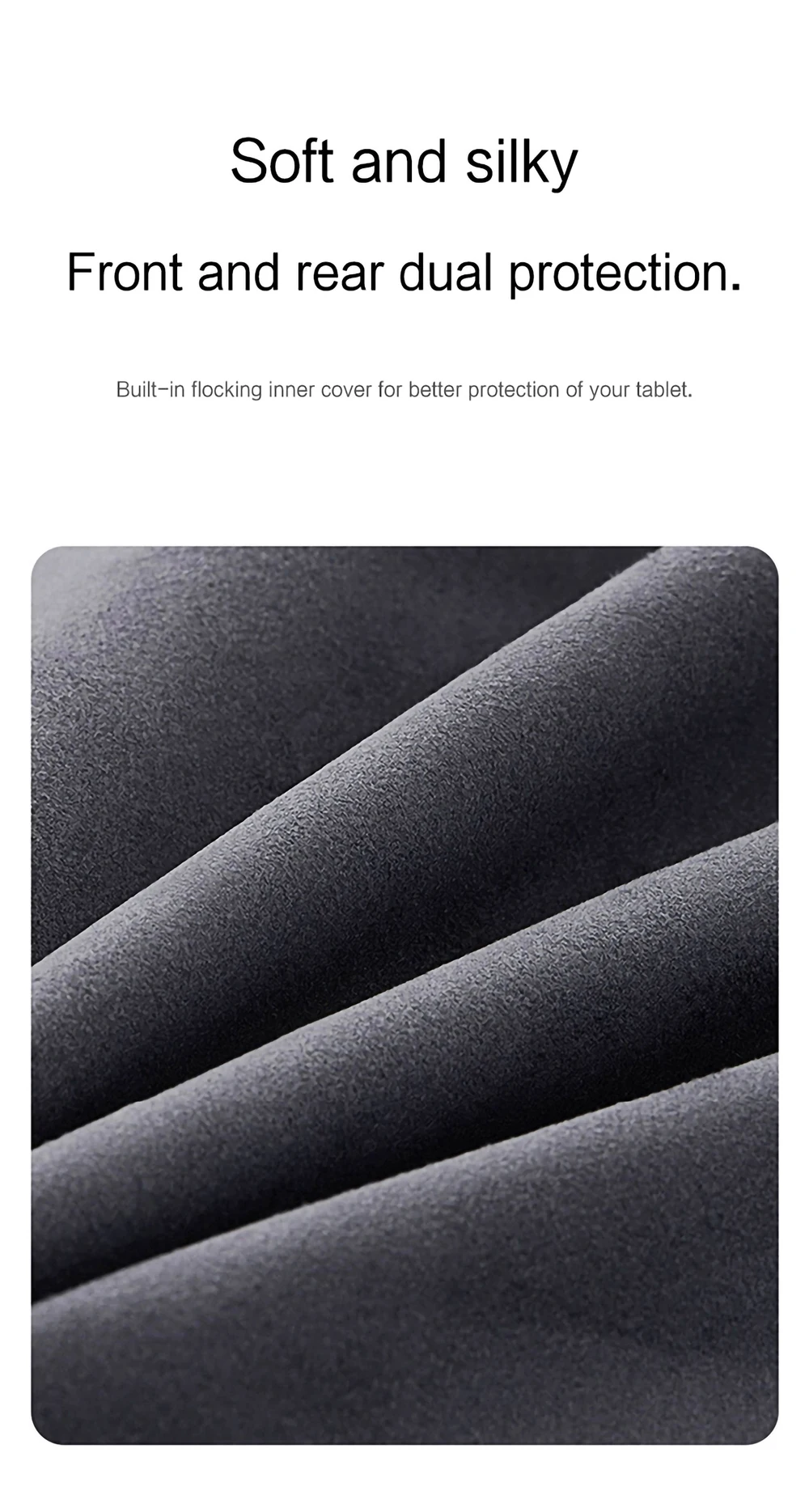
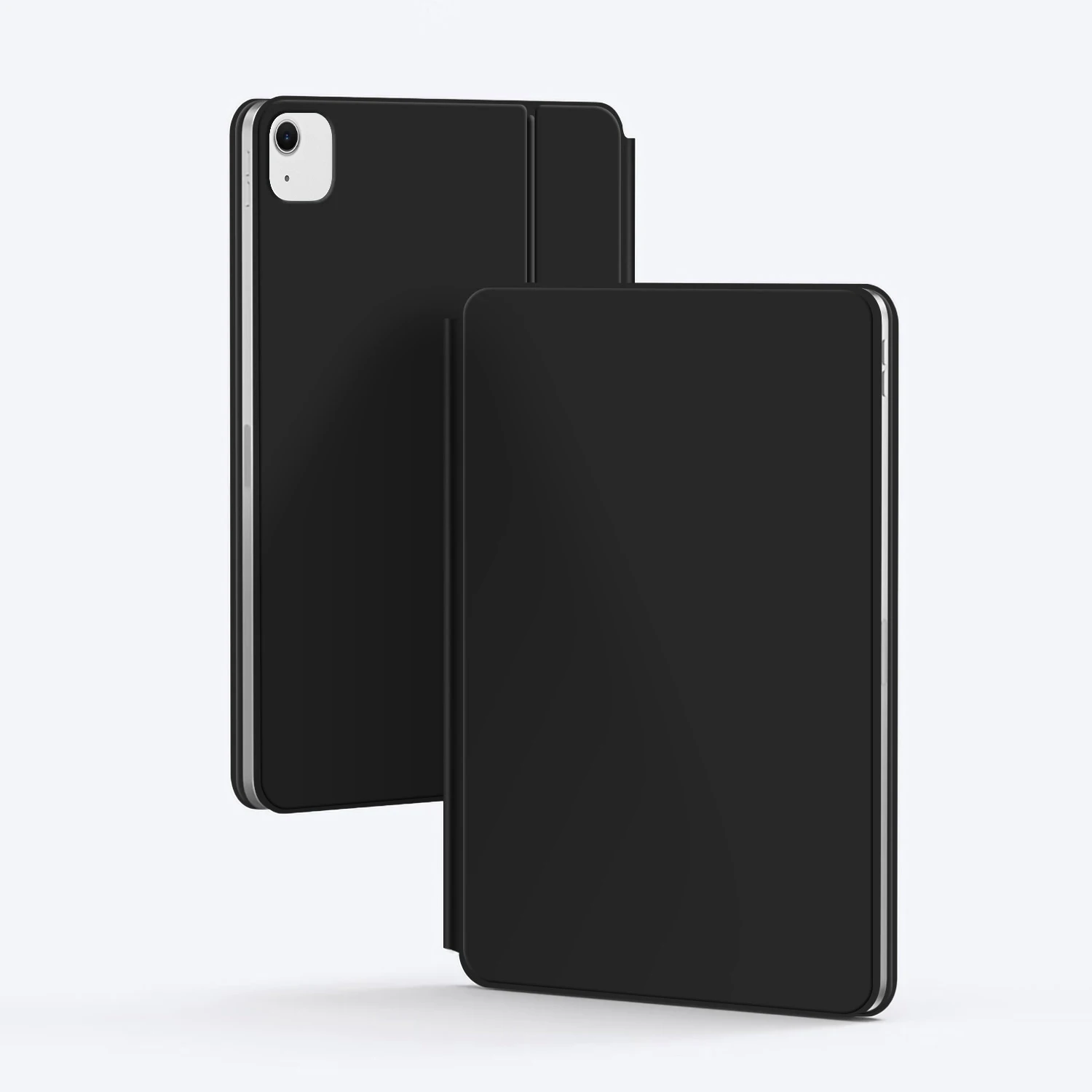
10. Material: Anti fouling and durable PU material
11. Key life:3 million
12. Charging times: 3 hours
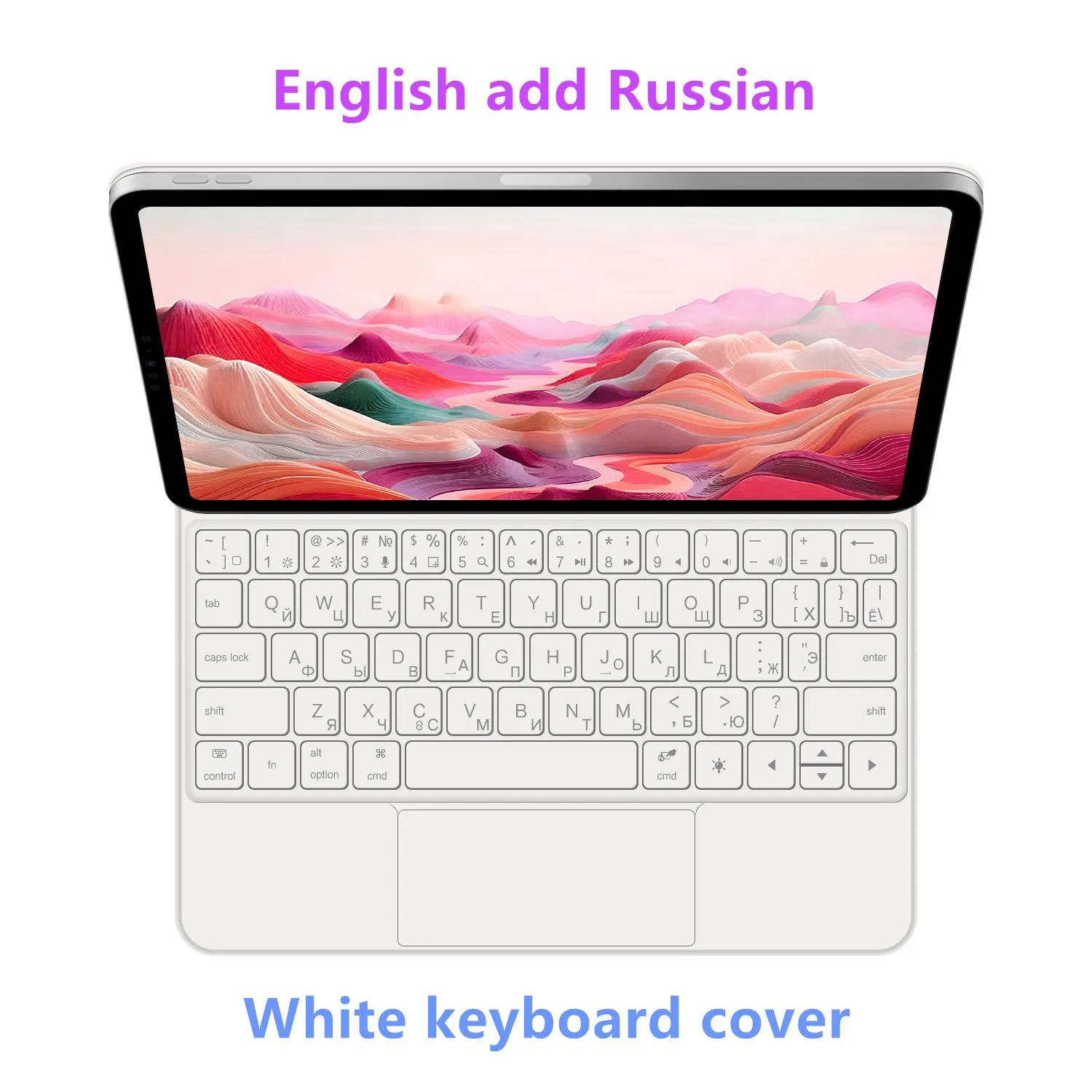
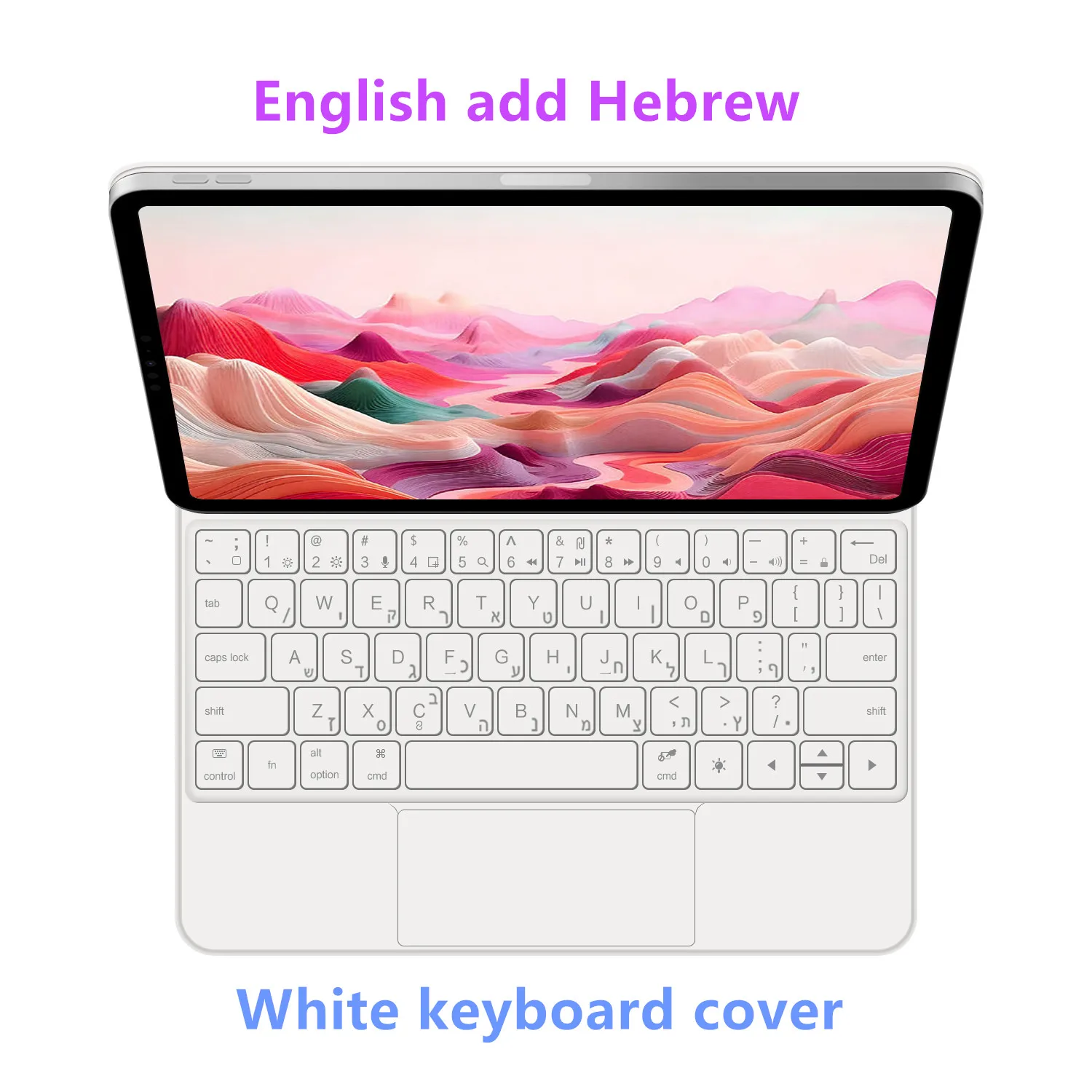
13. Color: White Black
Note: Tablet and Pencil are not included in the packaging~
Please confirm your machine model before purchase!!
Applicable Models and codes:
For iPad Air 13 inch M4 2026(Model code : A3461、A3462、A3464)
For iPad Air 13 inch M3 2025(Model code :A3271、A3268、A3269)
For iPad Air 13 inch M2 2024(Model code: A2898、A2899、A2900 )
For iPad Air 13 inch M2 2024(Model code: A2898、A2899、A2900 )
For iPad Air 13 inch M2 2024(Model code: A2898、A2899、A2900 )
For iPad Air 13 inch M2 2024(Model code: A2898、A2899、A2900 )
For iPad Air 13 inch M2 2024(Model code: A2898、A2899、A2900 )
For iPad Pro 12.9 2018 3rd Generation (A1876 A2014 A1895 A1983)
For iPad Pro 12.9 2020 4th Generation (A2069 A2232 A2229 A2233)
For iPad Pro 12.9 2021 5th Generation (A2378 A2379 A2461 A2462)
For iPad Pro 12.9 2022 6th Generation (A2436 A2764 A2437 A2766)
The above models of keyboard covers are universal …Upgrade the back camera hole to a universal square hole.
Attention Please
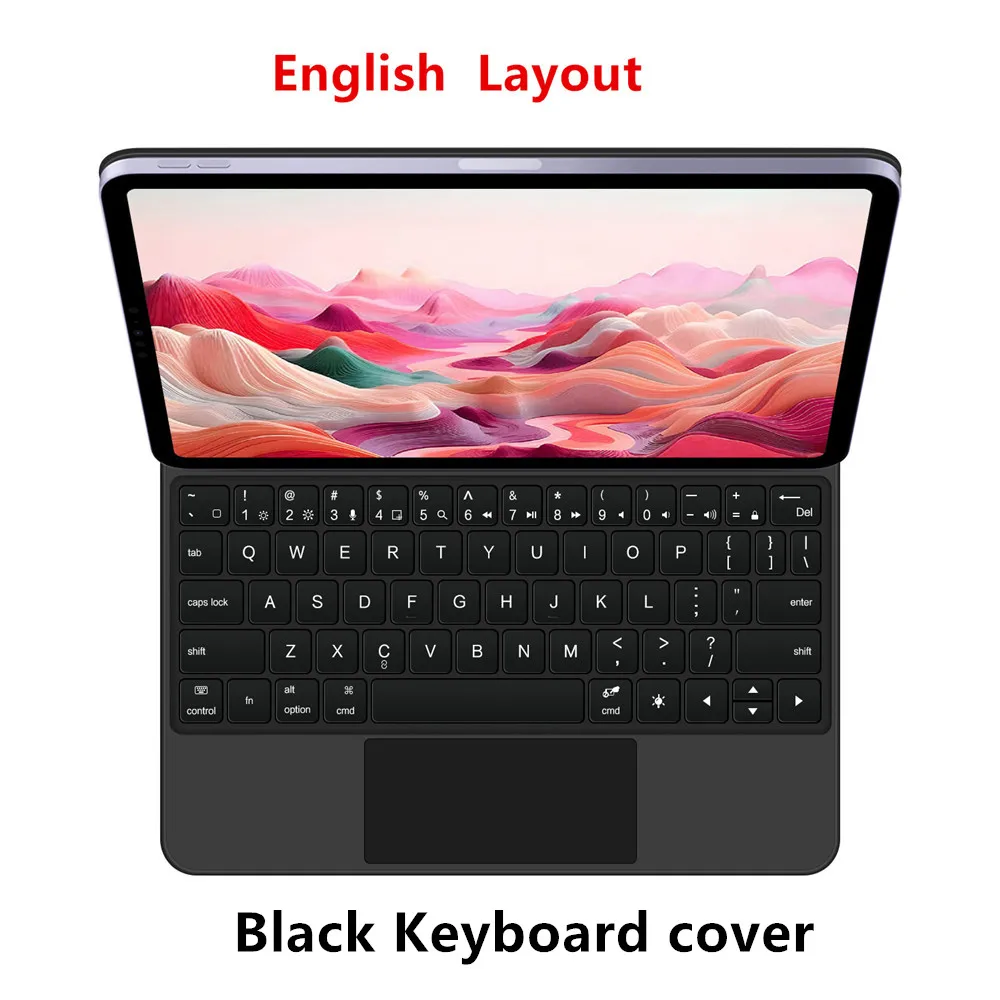
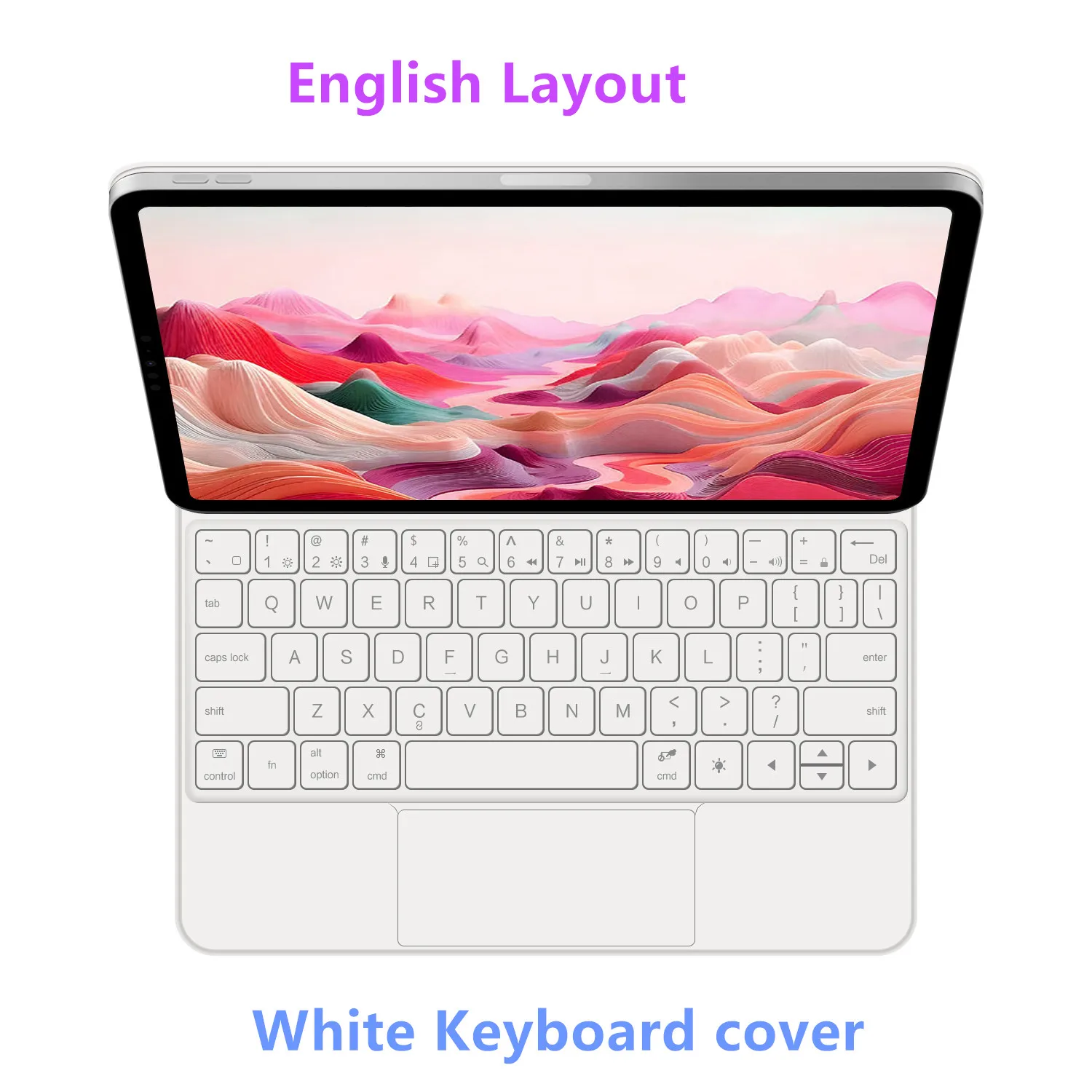
English versionkeyboard : There are English letters on the keyboard only.
Multi-language versionkeyboard : English letters and carved language letters together (Due to the difference in the number of keyboard keys compared to a normal office keyboard, some special character engraving positions are the same, which is a normal phenomenon)
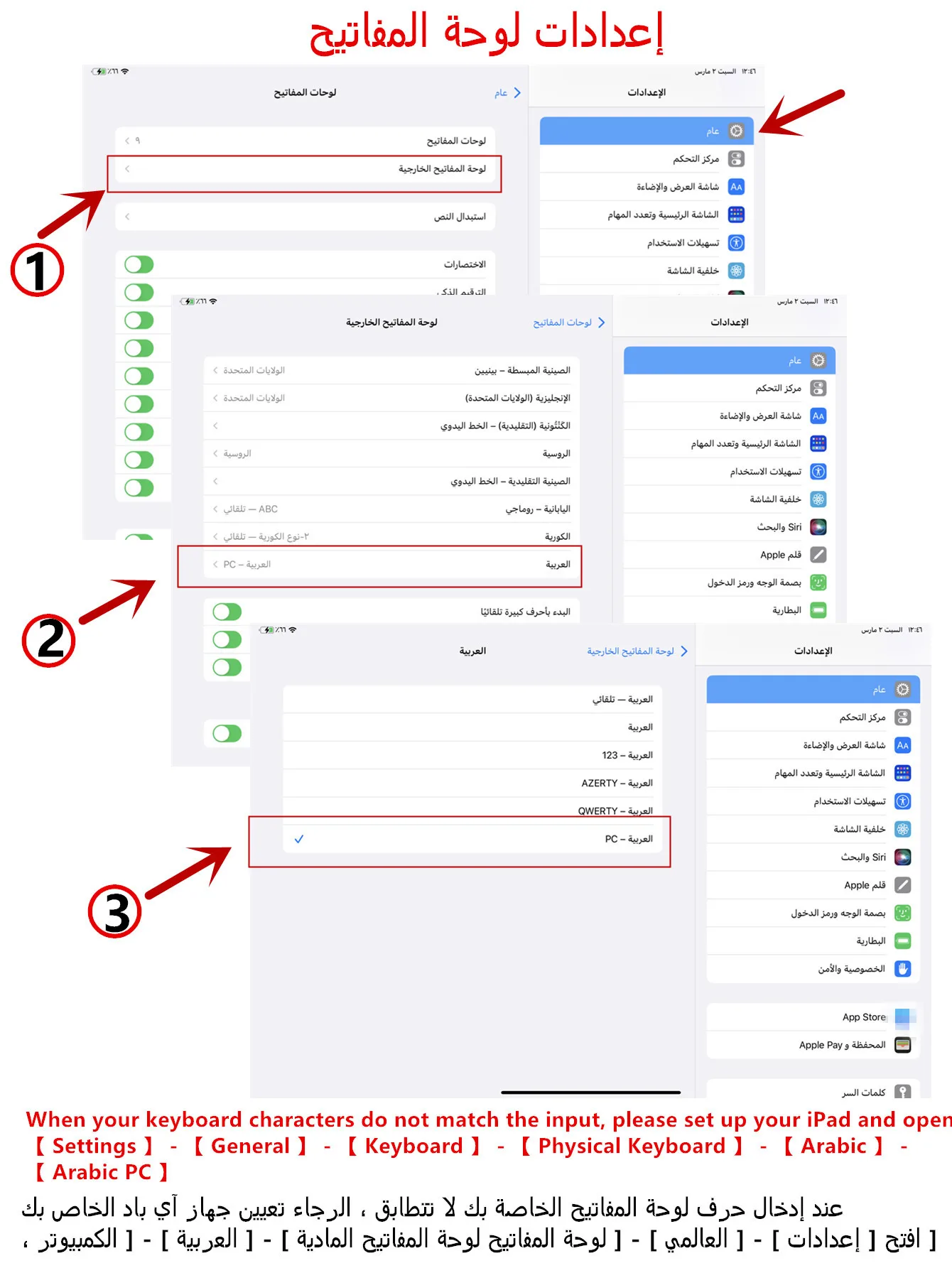
The keyboard Core defaults to English, and the characters engraved on the keyboard are only a Surface display.so in some countries, even if the input method is switched, the special symbols do not necessarily match the keyboard function layout(You can hold down the Shift combination).If you mind, please do not purchase!!.
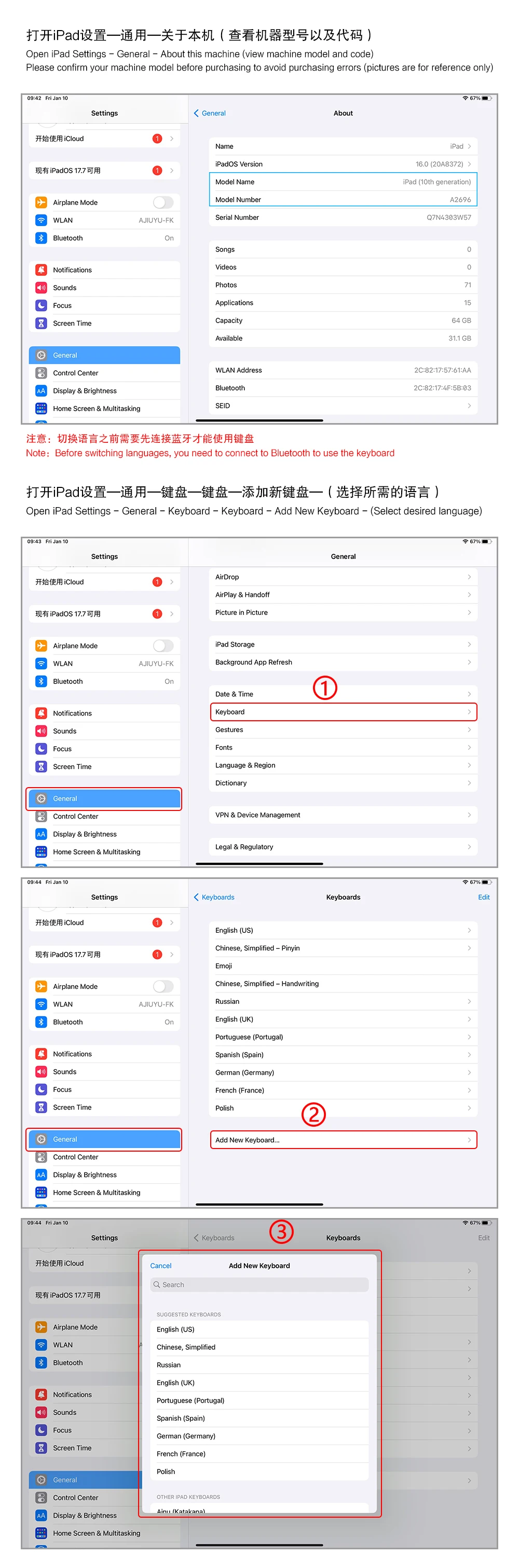
【1】1. After connecting Bluetooth, open your iPad – Settings – Keyboard – Add New Keyboard
【1-1】Input method switching: control+spacebar.(Choose the language you need)
【3】For detailed instructions, please read the user manual. If you have any questions, you can contact "Online Services" for consultation .
The resolution of the machine is different, and there may be color differences in the images, which is a normal phenomenon. The actual product received shall prevail .





Reviews
There are no reviews yet.